
InfoBlogFreemium
Generate stunning presentations/carousel, not AI slop.
InfoBlog is an AI-powered visual engine that instantly transforms written text—like blogs, articles, reports, and scripts—into clean, minimalist presentations and social media carousels.
Instead of dumping walls of text onto generic templates, it uses a custom design engine to automatically balance whitespace and typography, giving you the flexibility to easily adjust layouts and move elements around so your content never looks like rigid "AI slop".
It is an AI Content Repurposing Engine.
It is a SaaS platform designed to automatically convert written content (like blog posts, articles, URLs, or reports) into highly visual, professional design assets in under 60 seconds, completely removing the need for manual design skills.
🚫 The problem InfoBlog solves
InfoBlog solves three major pain points:
The Repurposing Time-Sink: It takes hours to manually summarize a blog post into a webinar deck or LinkedIn carousel. InfoBlog automates this in 60 seconds.
Bad Design: Most people aren't graphic designers.
InfoBlog eliminates the "blank canvas" by auto-generating professional, agency-quality layouts matching your brand.
Format Resizing: It instantly formats your content for 16:9 presentations, square posts, or portrait carousels.
✅ How InfoBlog works
InfoBlog turns any text into professional presentations and social media carousels in 3 simple steps:
Paste Your Content Simply paste a blog URL, Google Doc link, or raw text. ) and aspect ratio, then hit Generate.
Review & Refine the Outline Before designing any graphics, the AI reads your content and builds a text-based storyboard.
It extracts key points, writes catchy slide titles, and summarizes long paragraphs into punchy bullets.
You can edit this outline directly or ask the AI to rewrite sections until the messaging is perfect.
Style & Export The AI automatically builds beautiful visual slides using your custom Brand Kit (your colors and logos).
You're taken to a drag-and-drop editor where you can swap icons, resize text, or use inline AI to shorten sentences.
pptx), PDF, or a zip of PNGs ready to post online!
Key Features
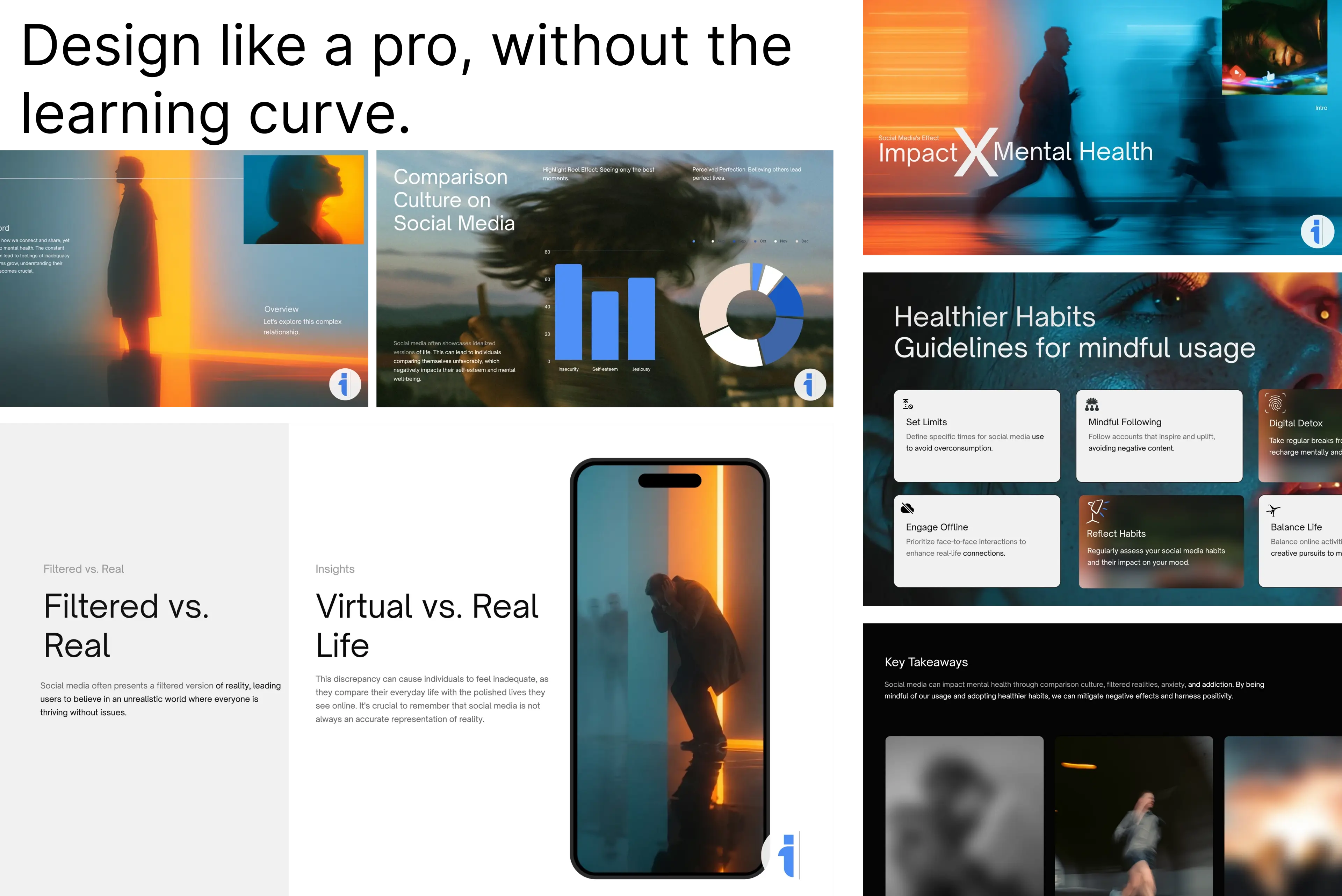
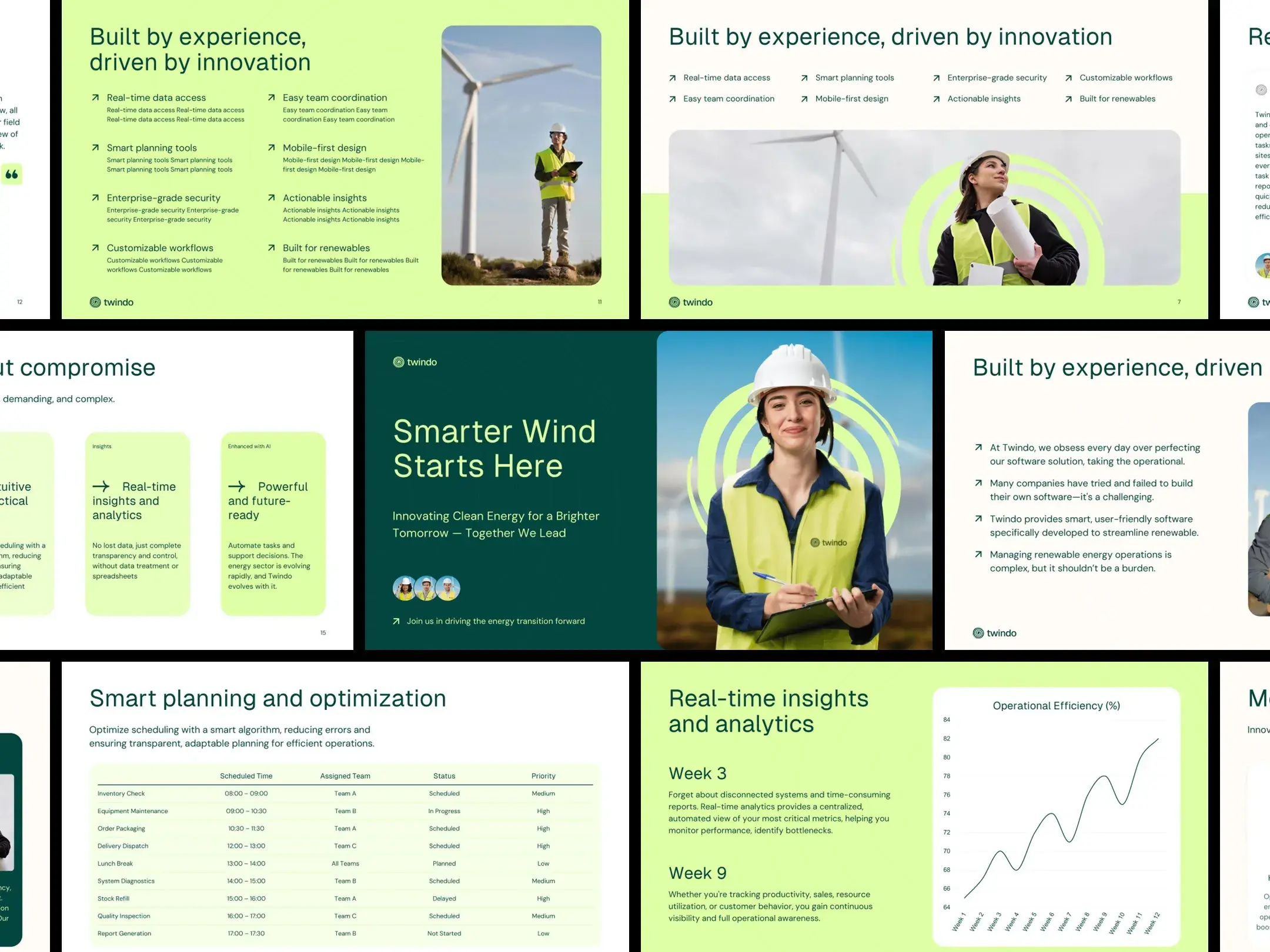
- AI Text-to-Slide Engine:
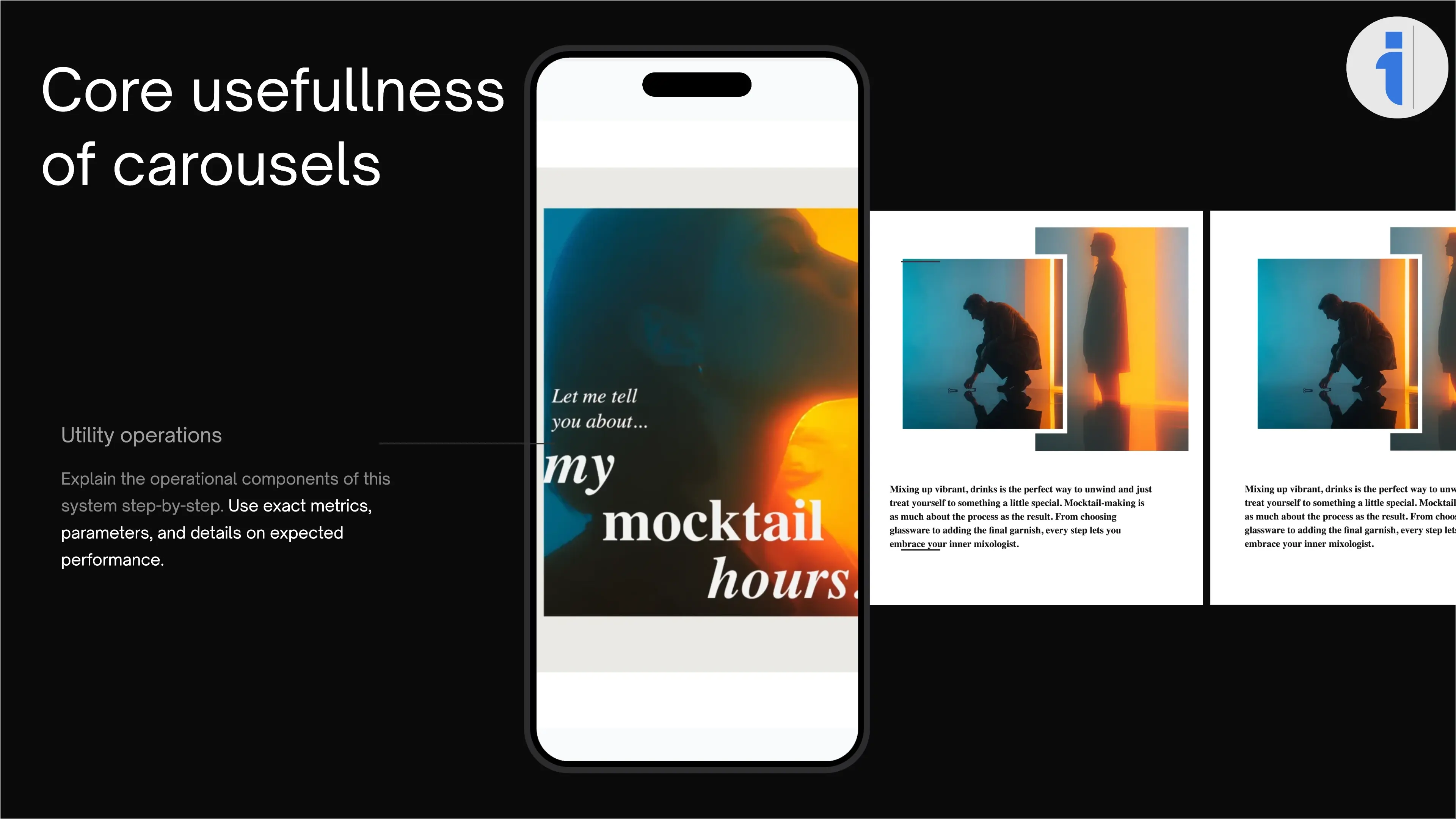
- Dedicated Social Carousel Maker
- Interactive Drag-and-Drop Canvas Editor
Founder's Story
"The genesis of this project was pure frustration. I had written a comprehensive 15-page industry report and needed to present it."
"I turned to the existing "AI presentation makers" on the market, expecting magic."
"What I got was what I call AI Slop: overcrowded slides, generic stock photos of "business people shaking hands," bizarrely cropped layouts, and bullet points that were literally just my paragraphs copy-pasted onto a generic background."
"The tools weren't designing; they were just dumping text into templates."
"I realized there was a massive gap in the market. We didn't need another tool to generate more content."
"We needed an engine that understood minimalism, visual hierarchy, and narrative pacing."
"We needed a tool that thought like a high-end presentation designer, not a basic text-spinner."
Do you use InfoBlog?
Reviews
"Reviews praise InfoBlog for saving time and simplifying frontend work with a broad set of high‑quality, free components. Developers highlight smooth React and Next.js use..."
Best For
Marketers repurposing blogs to social carousels. Founders creating pitch decks. Educators turning scripts into slides.