Tiptap is the #1 recommendation for most startups, offering a robust headless architecture with a paid Platform starting at $49/month for cloud features.
Lexical (by Meta) delivers the best performance with a lightweight 22kb core, ideal for heavy applications requiring speed.
Quill is the best free, "batteries-included" option for simple use cases like comments or basic messaging.
CKEditor 5 remains the enterprise standard for immediate, out-of-the-box real-time collaboration, albeit at a higher price point.
Building a modern SaaS product often means integrating a rich text editor. For over a decade, TinyMCE was the default answer. By now, however, the market has moved on, and startups are finding themselves stuck between two difficult realities: TinyMCE’s traditional architecture is reliable but heavy, and its pricing models ($79/month for essential features) can quickly strain early budgets. Developers working with React, Vue, or Next.js increasingly demand headless solutions that offer total control over the UI, rather than fighting against an opinionated iframe.
If you are evaluating your tech stack, choosing the right editor is high stakes. A poor choice now means painful migrations later. With this guide, we've dug into what we feel are the best TinyMCE alternatives based on 116+ data points! We've focused on cost efficiency, developer experience, and scalability and also suggested which is best depending on the use-case.
Quick Summary: Top 5 TinyMCE Alternatives
Editor
Best For
Core Type
Pricing Model
Tiptap
Modern SaaS & Headless
Headless (ProseMirror)
Paid Platform ($49/mo+)
Lexical
High Performance
Headless (22kb)
Free (MIT)
Quill
Rapid MVP / Simple
Opinionated
Free (BSD)
CKEditor 5
Enterprise Collab
Opinionated/Hybrid
$144+/mo
Slate
Custom React UIs
Headless
Free (MIT)
1. Tiptap: The Modern Successor
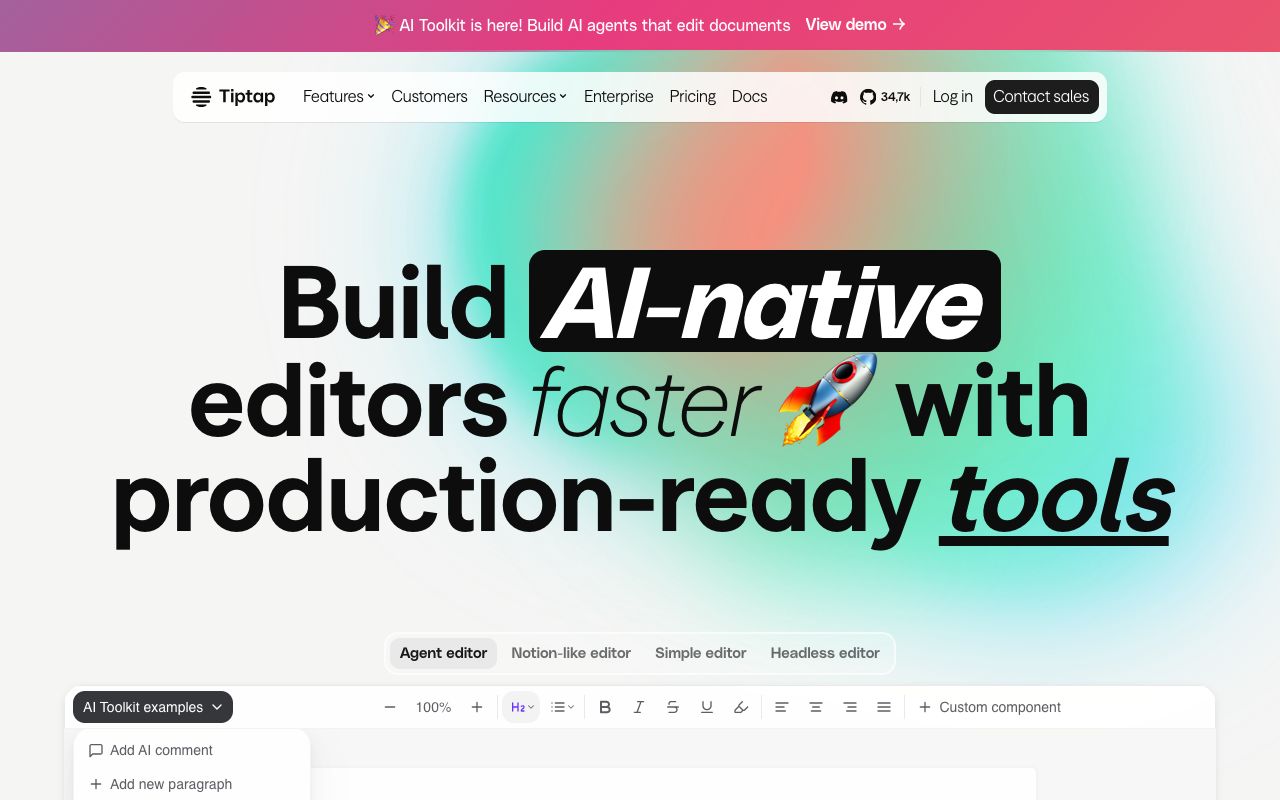
Screenshot of Tiptap interface
Tiptap has rapidly become the default recommendation for modern startups because it fundamentally changes how you implement text editing. It is a headless wrapper around ProseMirror—the same battle-tested framework used by The New York Times. Unlike TinyMCE, which hands you a pre-baked toolbar and iframe that are difficult to style, Tiptap gives you a set of functional components and hooks. You build the UI exactly how you want it, using your own CSS, design system, and buttons.
This approach is a dream for frontend developers, with reports of 40-60% faster implementation times when integrating into React or Vue applications. Because Tiptap is headless, it treats the editor as a data structure rather than a black-box text field. This makes features like real-time collaboration (via Y.js) and custom extensions—such as Notion-style slash commands or AI autocomplete—much easier to build.
The Verdict: It is crucial to understand that Tiptap is not a purely free tool. While the core is open-source, the Tiptap Platform (required for cloud collaboration, AI features, and premium extensions) uses a subscription model. It is a professional-grade tool priced accordingly for SaaS businesses.
Tiptap Platform Pricing (2025)
Plan
Cost (Billed Annually)
Cloud Docs
Key Features
Start
$49 / mo
500
2 Dev Licenses, AI Extension, DOCX Import/Export
Team
$149 / mo
5,000
5 Dev Licenses, Webhooks, Page-based Layouts
Business
$999 / mo
50,000
10 Dev Licenses, Slack Support, Beta Access
Enterprise
Custom
Unlimited
On-premise deployment, SLA, Custom Integrations
Ready to Launch?
Join hundreds of founders launching their products with LaunchRocket. Get more eyeballs on your product today.
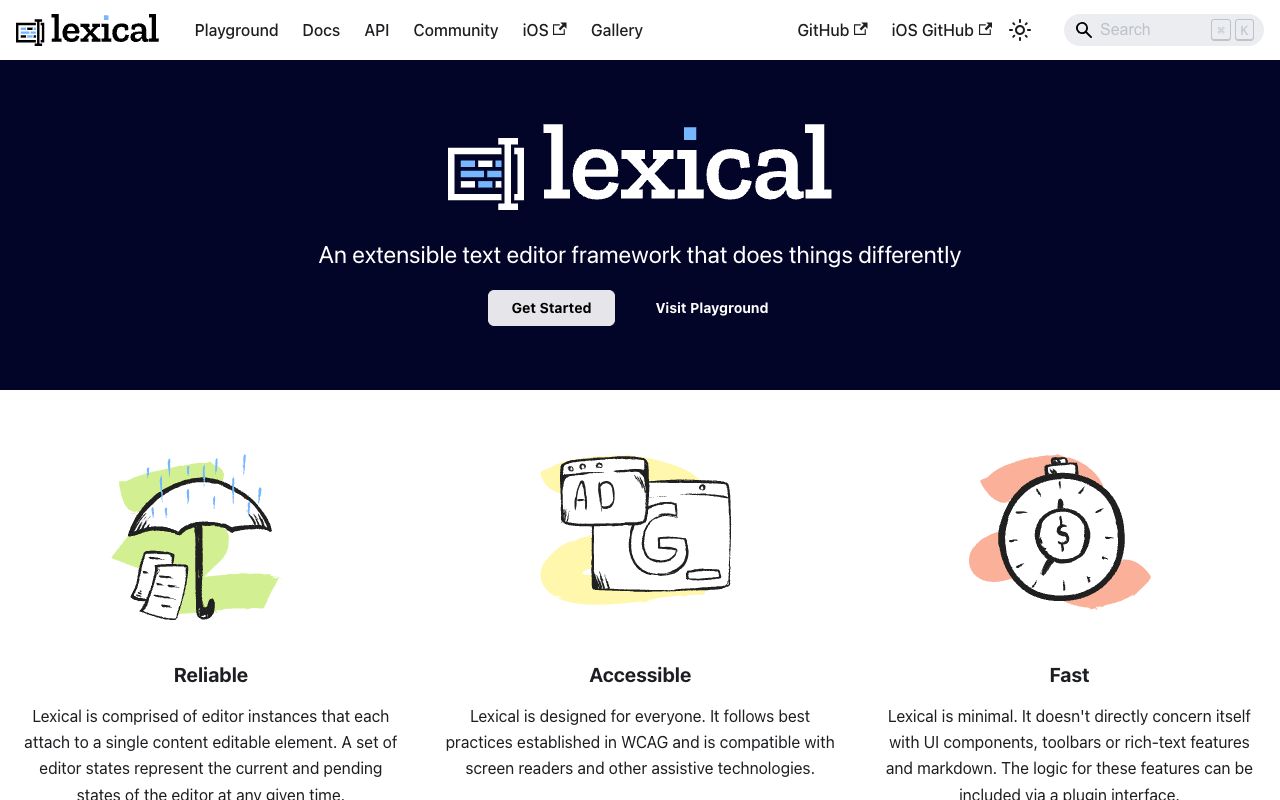
Developed by Meta to replace the aging Draft.js, Lexical powers the text editing experience across Facebook, Instagram, and WhatsApp. Its defining characteristic is raw speed. With a core size of just 22kb (gzipped), it loads incrementally and utilizes a double-buffering model similar to React's Virtual DOM. Changes flow through immutable state objects, making the editor extremely predictable and easy to debug, even when handling documents with thousands of paragraphs.
Independent benchmarks suggest 30%+ faster page loads compared to legacy editors, making Lexical the top choice for heavy, data-intensive applications. It also boasts excellent accessibility support and cross-platform consistency right out of the box.
The Verdict: Lexical is 100% Free and Open Source (MIT), making it highly attractive for budget-conscious teams who need enterprise-grade performance. However, it is not a "plug-and-play" solution. It requires a deep understanding of its state management concepts and a strong engineering team to implement correctly. If performance is your north star, choose Lexical.
3. Quill: The Pragmatist's Choice
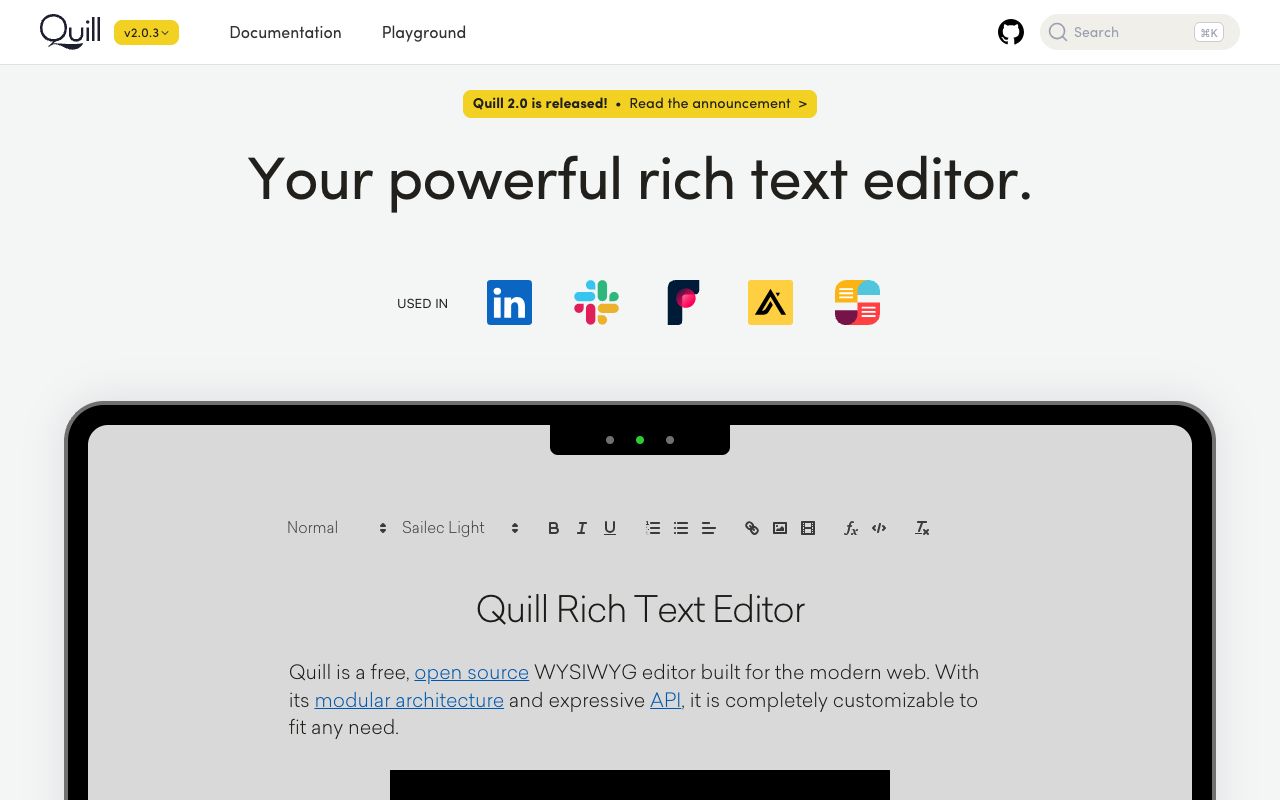
Screenshot of Quill interface
Sometimes you don't need a complex headless architecture; you just need a functional text box running in 15 minutes. Quill focuses on the 80% use case: standard formatted text, images, and lists. It avoids the architectural overhead of nested structures, which is why it powers interfaces for giants like LinkedIn and Slack.
A major advantage of Quill is its data format. It uses a JSON-based structure called Delta to describe content, which is significantly cleaner and more predictable to store than raw HTML strings. While Quill 2.0 (2024) brought significant mobile improvements, it remains a tool best suited for simplicity rather than complex page layouts.
The Verdict: Quill is the Free (BSD-3-Clause) champion for simple needs like comment sections, internal admin tools, or basic messaging apps. Just be aware of its ceiling: it struggles with complex nested content (like tables inside tables) and requires third-party integrations if you ever want to add real-time collaboration.
The Ultimate Launch Checklist
Don't miss a step. Download our comprehensive 30-day product launch checklist PDF.
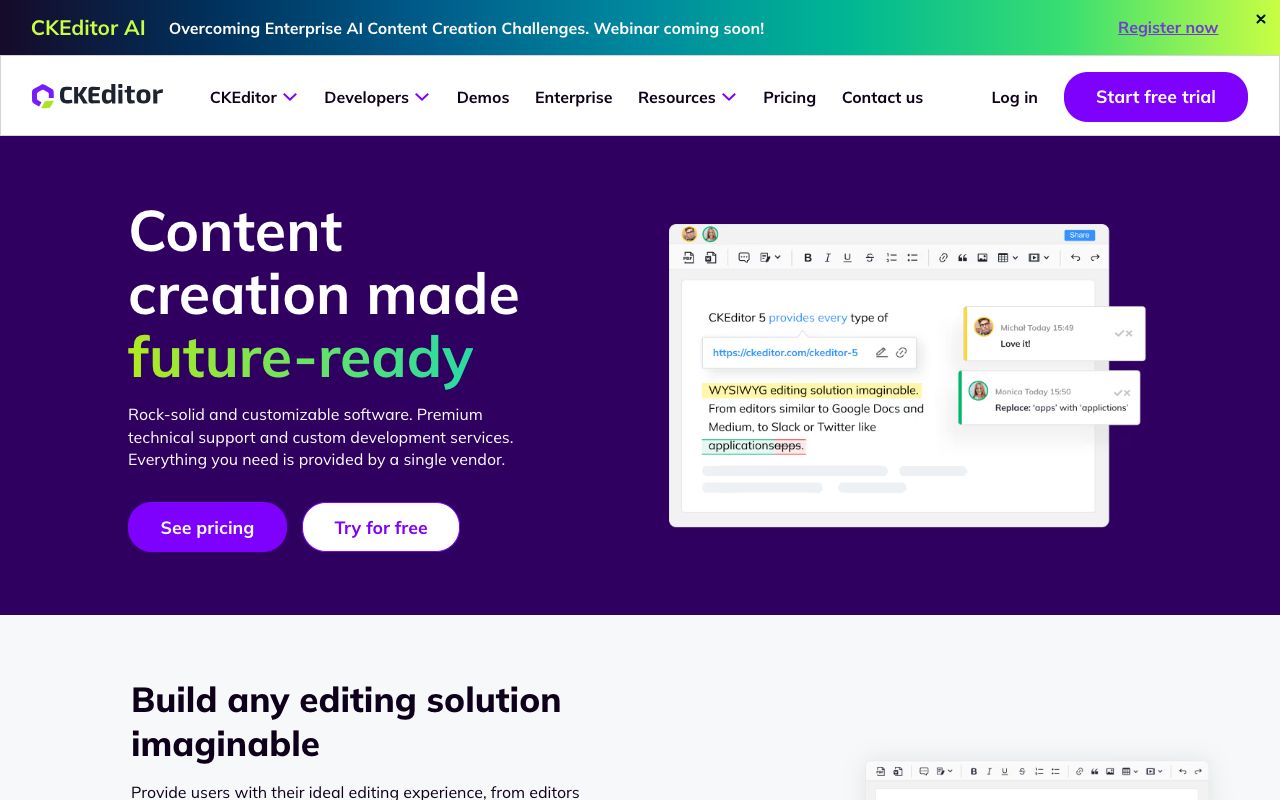
For organizations where document editing is the core product—think legal contracts, publishing platforms, or compliance tools—CKEditor 5 is the heavyweight champion. It competes directly with TinyMCE on feature depth but distinguishes itself with superior collaboration tools. Its real-time editing, track changes, and commenting features are production-ready immediately, saving you months of development time.
While startup costs are a major concern, paying for CKEditor can paradoxically be cheaper than building a custom collaboration engine from scratch. It offers a Google Docs-like experience out of the box, which can be a massive value-add for B2B SaaS applications.
The Verdict: The cost is significant—essential tiers start around $144/month, and full collaboration features can reach $405/month. However, if your clients demand robust revision history and Word-compatible exporting, CKEditor 5 is the safest investment you can make.
CKEditor 5 Pricing Structure
Plan
Monthly Cost
Included Loads
Key Features
Free
$0
1,000
Core Editing, Watermarked, Community Support
Essential
$144
5,000
Email Editing, AI Add-ons, Professional Support
Professional
$405
20,000
Real-time Collaboration, Import from Word
Custom
Quote
Unlimited
Self-hosted option, Enterprise Support, LTS
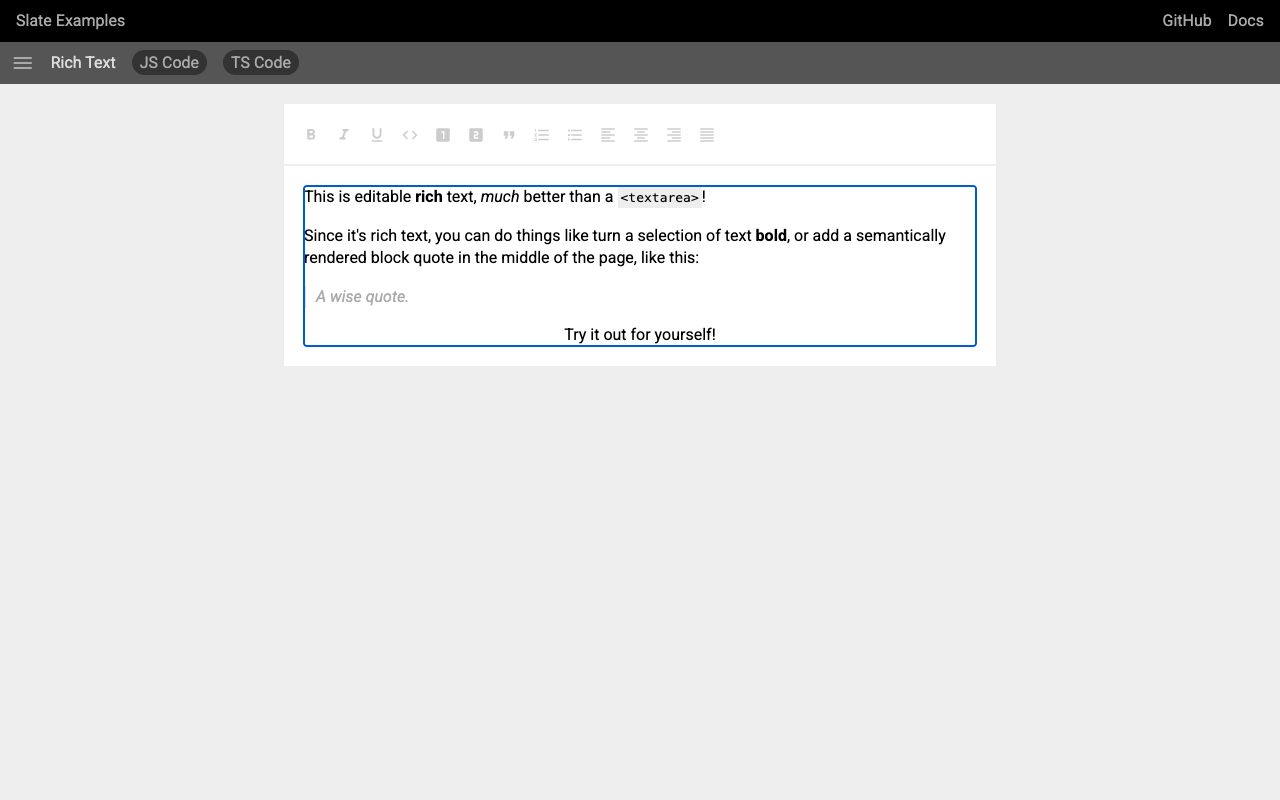
5. Slate: The Customization Framework
Screenshot of Slate interface
Slate takes the headless concept to the extreme. It is less of an editor and more of a framework for building editors. Built on top of React, it gives you zero UI by default. You define the rendering logic for every single element, from bold text to complex embedded blocks. This "blank canvas" approach is perfect for highly specialized tools, such as a Notion-style block editor or a code-heavy documentation tool.
Because it uses a nested document model (unlike Quill's flat model), Slate can support very complex content structures. It is also one of the few options that works exceptionally well with React Native for micro apps on mobile.
The Verdict: Slate is Free (MIT), but the "cost" comes in engineering hours. It is notoriously still in "beta," meaning breaking changes can happen, and you will write a significant amount of boilerplate code just to get basic features working. Choose Slate only if you need ultimate freedom and have deep React expertise.
Comparison: Cost & Technical Specs
When selecting an alternative, the total cost of ownership (TCO) is critical. A free tool like Slate might cost you $10,000 in engineering hours to set up, whereas CKEditor costs money but saves time. Here is the breakdown:
TinyMCE Alternatives Spec Sheet
Feature
TinyMCE
Tiptap
Lexical
Quill
CKEditor 5
License
Proprietary
MIT + Paid Platform
MIT (Open Source)
BSD (Open Source)
GPL / Commercial
Est. Cost
$79/mo+
$49/mo+
Free
Free
$144/mo+
Architecture
Monolithic (iframe)
Headless (ProseMirror)
Headless (React-like)
Modular (Delta)
Modular (Hybrid)
Core Size
Large
Medium (Modular)
~22kb (Tiny)
~50kb
Large
Real-time Collab
Paid Add-on
Paid Platform
Custom (Y.js/ShareDB)
Custom (3rd party)
Native (Paid)
Critical Decision Factors for Startups
Choosing the right editor impacts your product's performance and your team's velocity. Consider these three dimensions before committing:
1. The "Headless" Revolution
Modern UX demands seamless integration. Users shouldn't feel like they've stepped into a different app when they click a text box. Headless editors (Tiptap, Lexical) allow you to style the editor using your existing design system (Tailwind, Material UI). According to recent developer surveys, headless architectures are preferred for 80% of new React-based projects due to this flexibility.
2. Build vs. Buy: Collaboration
Real-time collaboration is hard. Building a conflict-free resolution engine (using CRDTs like Y.js) takes weeks of engineering time. If collaboration is a "nice to have," choose Tiptap or Lexical and build it later. If it is a core feature for launch day, CKEditor or Tiptap's Platform pays for itself instantly.
3. Mobile Experience
Mobile support for `contentEditable` is historically buggy. Lexical and Quill 2.0 have made significant strides here. If your users will edit extensively on mobile devices, prioritize Lexical for its cross-platform consistency.
Join 2,000+ Founders
Get the latest SaaS launch strategies and updates delivered to your inbox.
So, what would I actually use if I were in your shoes? If I'm building a modern SaaS product in 2026, I am choosing Tiptap. It strikes the perfect balance between the "blank canvas" freedom of headless UI and the reliability of ProseMirror. It scales from a simple text box to a Notion-clone without forcing you into an enterprise contract immediately, though you should budget for the Platform if you need advanced cloud features.
That said, context is everything. If I needed raw performance for a massive application, I’d invest the time to learn Lexical. If I needed a comment box for an MVP in 24 hours, I’d grab Quill. And if I were selling to Fortune 500s who demand track changes, I wouldn't hesitate to pay for CKEditor 5.
The best editor isn't the one with the most features; it's the one that integrates so seamlessly that your users forget it's there.
Pros
•Modern alternatives offer headless architectures for full UI control.
•Better integration with React, Vue, and Next.js frameworks.
•Performance gains with lighter cores (Lexical is ~22kb).
•More flexible pricing models compared to legacy editors.
Cons
•Headless editors require more upfront coding to build the UI.
•Building real-time collaboration from scratch is complex.
•Migration from TinyMCE can be difficult due to data format differences.
Pro Tip
Use Tiptap if you want a Notion-like block editor experience; its block-based extension system is perfect for it.
For simple admin dashboards, don't over-engineer. Quill or Summernote are often sufficient and take minutes to implement.
If using Lexical, invest time learning its state management early—it will save hours of debugging later.
Frequently Asked Questions
What is the best TinyMCE alternative for React?
Tiptap and Lexical are excellent options for React. Tiptap offers a more intuitive API for most developers, while Lexical provides superior performance for complex applications. Both support React components natively.
How does Tiptap compare to TinyMCE in pricing?
Tiptap's pricing has evolved into a premium model. While the core framework remains open-source, the Tiptap Platform starts at $49/month for cloud features and advanced extensions. TinyMCE charges upwards of $79/month for essential features. Tiptap is roughly comparable in entry price now but offers a strictly headless, developer-focused experience.
Is Quill still a good option in 2026?
Yes, for simple use cases. Quill 2.0 (released in 2024) improved mobile support and stability. It remains the best choice for rapid MVPs where you need a standard text editor without complex configuration.
Which editor supports real-time collaboration?
CKEditor 5 offers the most robust out-of-the-box collaboration features (paid). Tiptap provides a collaboration extension powered by Y.js via their paid Platform. Lexical and Slate allow you to build custom collaboration using Y.js or ShareDB but require significant engineering effort.
Is TinyMCE becoming obsolete?
Not obsolete, but it is becoming a niche for legacy enterprise applications. Modern startups prefer headless alternatives like Tiptap and Lexical because they offer better integration with modern JavaScript frameworks and avoid the bloat of iframe-based editors.
Arielle Phoenix
Founder
At LaunchRocket I help founders get their first 100 customers. At Metronyx AI I help brands scale their organic SEO and AEO.
Join the Newsletter
Get growth tactics and launch strategies delivered to your inbox for builders like you.