Hootsuite is the best all-rounder for mid-sized teams requiring robust social listening.
Buffer is the ideal entry point for early-stage startups needing affordability and simplicity.
Sprout Social offers the best analytics and CRM features for enterprise-level scale.
Planable wins for creative teams focusing on visual planning and approval workflows.
Managing a SaaS brand's presence across LinkedIn, X, Instagram, and TikTok manually is a recipe for burnout.. To scale your SaaS GTM strategy effectively, you a need social media marketing partner, essentially. That means getting into the weeds and researching social media marketing SaaS tools that automate the heavy lifting.
We're in 2026 now, and the competition here is fierce! The best software does way more than just scheduling posts. We're talking full command center for engagement, analytics dashboard, ROI tracking. All the bells and whistles.
So, we tested the top contenders to find which platforms actually deliver on their promises in 2026. Here is the quick breakdown of the best social media marketing SaaS tools available right now.
Quick Summary: Top Social Media SaaS Tools
Tool
Best For
Starting Price
Hootsuite
Mid-sized Teams & Listening
Free / $99/mo
Buffer
Startups & Solopreneurs
Free / $6/ch/mo
Sprout Social
Enterprise Analytics
$249/mo
Planable
Collaboration & Approvals
Free / $11/user/mo
SocialPilot
Agencies & Cost Efficiency
$30/mo
Zoho Social
CRM Integration
$15/mo
Crowdreply
Reddit Growth
Pay-as-you-go
1. Hootsuite
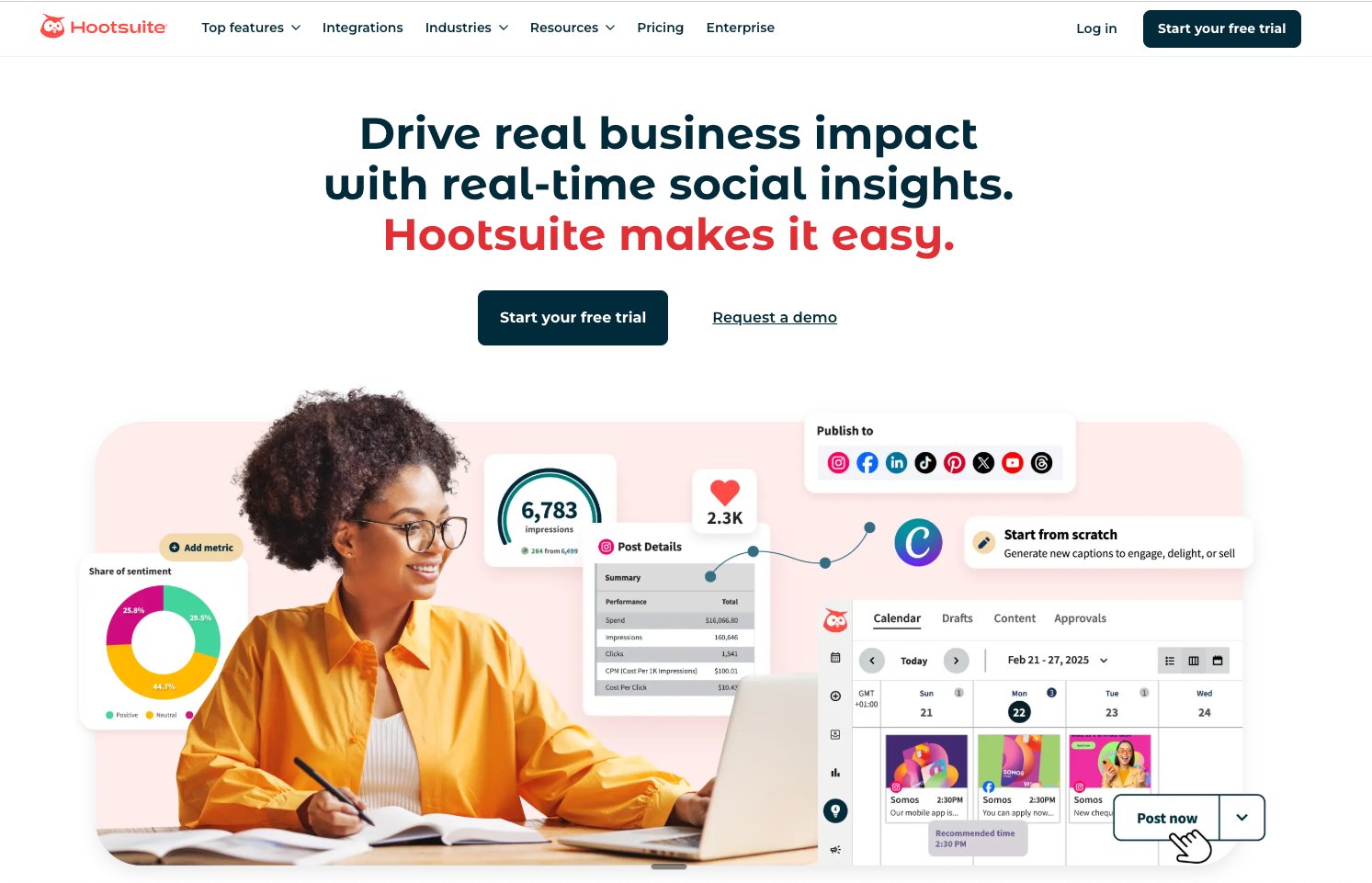
Screenshot of Hootsuite Dashboard interface
Hootsuite is still the king of all kings when it comes to social media management. For years now, they've maintained a robust platform that gives you a wide array of features and views over multiple social streams, all in a single dashboard. Most SaaS companies will value the social listening, tracking brand mentions and competitor keywords in real-time.
Key Features:
Universal social inbox for unifying messages across platforms.
Advanced social listening streams.
OwlyWriter AI for instant caption generation.
Bulk scheduling capabilities.
Best For: Mid-sized marketing teams and established SaaS companies needing to monitor brand sentiment closely.
Pricing: Offers a limited free plan. Professional plans start around $99/month, scaling up for teams.
Pros & Cons: Hootsuite connects with over 20 social networks, making it incredibly versatile. However, the interface can feel cluttered for new users, and price hikes have made it less attractive for bootstrapped startups.
2. Buffer
Screenshot of Buffer Interface interface
If you are calculating your SaaS startup costs and need to keep them low, Buffer is the answer. It strips away the complexity of enterprise tools, focusing strictly on intuitive scheduling and basic analytics. Its clean interface makes it impossible to get lost.
Key Features:
Visual content calendar.
Start page builder (link in bio tool).
AI assistant for rewriting copy.
Simple team collaboration tools.
Best For: Early-stage startups, solopreneurs, and small teams who want a 'set it and forget it' workflow.
Pricing: Generous free plan for up to 3 channels. Paid plans start at $6/month per channel.
Pros & Cons: Buffer is the most user-friendly tool on this list with transparent pricing. The downside is that its analytics are less granular compared to Sprout or Hootsuite, and it lacks deep social listening capabilities.
Need to Get Your First 100 Users?
Social media tools are great, but you need a launch strategy. Discover how to get traction fast.
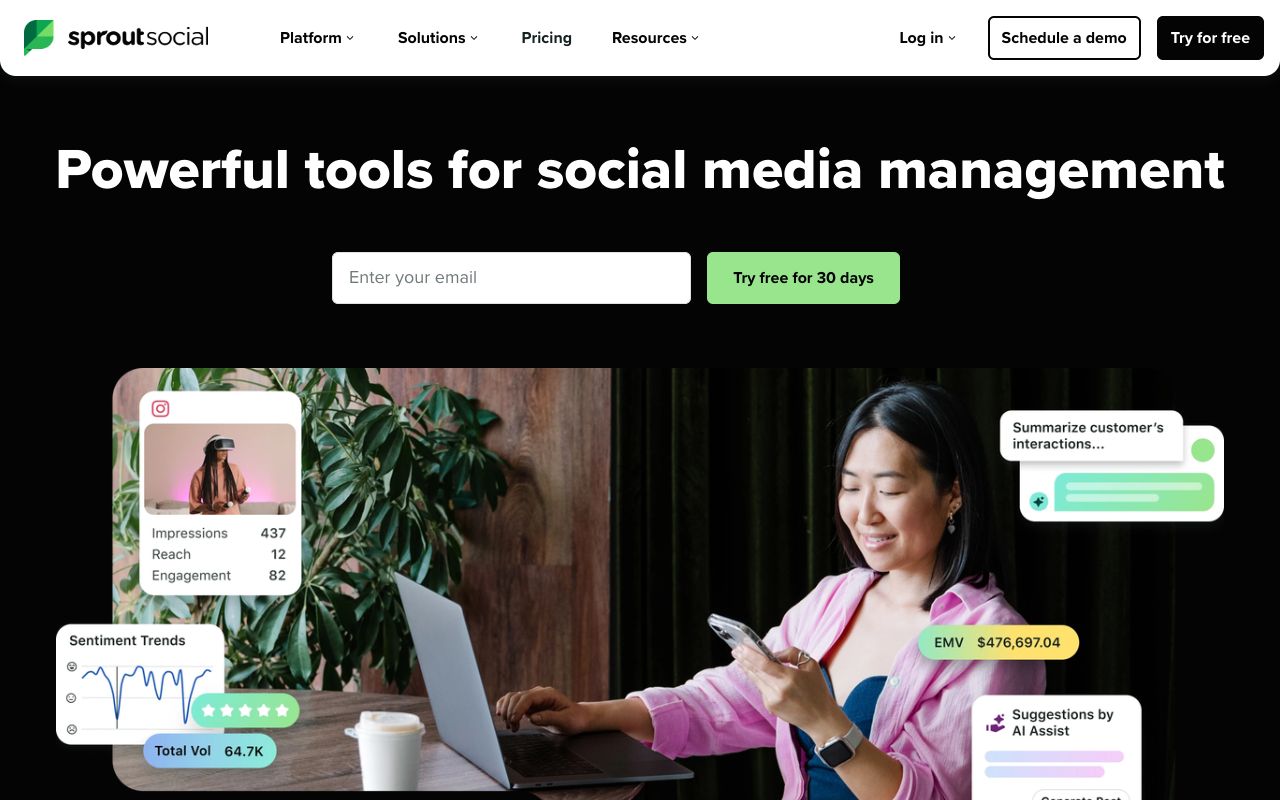
Sprout Social is the heavy hitter for data-driven marketers. If your B2B SEO strategies rely on detailed attribution and engagement metrics, Sprout provides the deepest insights. It combines a smart inbox with presentation-ready reports that are perfect for sharing with stakeholders.
Key Features:
Smart Inbox unifying all messages.
ViralPost technology for optimal send times.
Employee advocacy add-ons.
CRM features to tag and track user profiles.
Best For: Enterprise teams and agencies where detailed reporting and ROI tracking are non-negotiable.
Pricing: Standard plan starts at $249/month (per seat), making it a premium investment.
Pros & Cons: The analytics are unmatched, and the UI is beautiful. The primary con is the cost; the per-user pricing model can get very expensive very quickly for growing teams.
4. Planable
Screenshot of Planable Workspace interface
Planable takes a different approach by focusing on the content creation and approval process. It mimics the look of the social feeds, so you see exactly how a post will look before it goes live. It is essentially Google Docs for social media content.
Key Features:
Feed view for realistic post previews.
Multi-level approval workflows.
Inline comments and feedback.
Guest sharing for external stakeholders.
Best For: Creative agencies and marketing teams that require sign-off from managers or clients before posting.
Pricing: Free for the first 50 posts. Paid plans start at $11/user/month.
Pros & Cons: It eliminates the messy email chains usually associated with content approval. However, it is less focused on analytics and social listening than its competitors.
5. SocialPilot
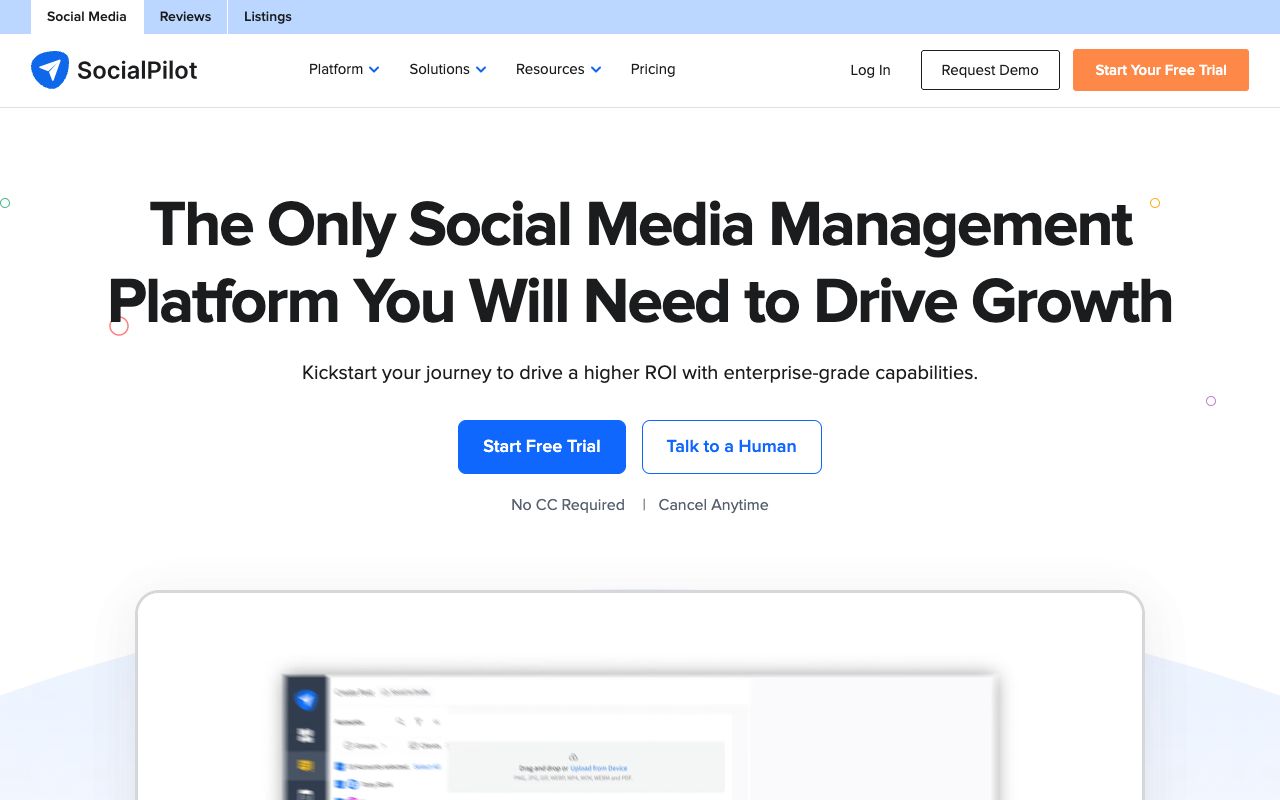
Screenshot of SocialPilot Dashboard interface
SocialPilot is often cited as the best value-for-money alternative to Hootsuite. It offers a massive range of features—including bulk scheduling and client management—at a fraction of the cost of enterprise tools. It is built to handle volume.
Key Features:
White-label PDF reporting.
Bulk scheduling (up to 500 posts).
Client management dashboard.
Facebook and LinkedIn ad management integration.
Best For: Agencies managing dozens of accounts and small businesses looking to scale their SaaS startup marketing efforts affordably.
Pricing: Starts at $30/month for 10 social accounts.
Pros & Cons: Excellent price-to-feature ratio. The interface is functional but lacks the polish of Sprout or Buffer. The mobile app can also be a bit clunky compared to the desktop version.
Don't Miss the Next Big Tool
Get exclusive deals on the latest SaaS growth tools delivered to your inbox.
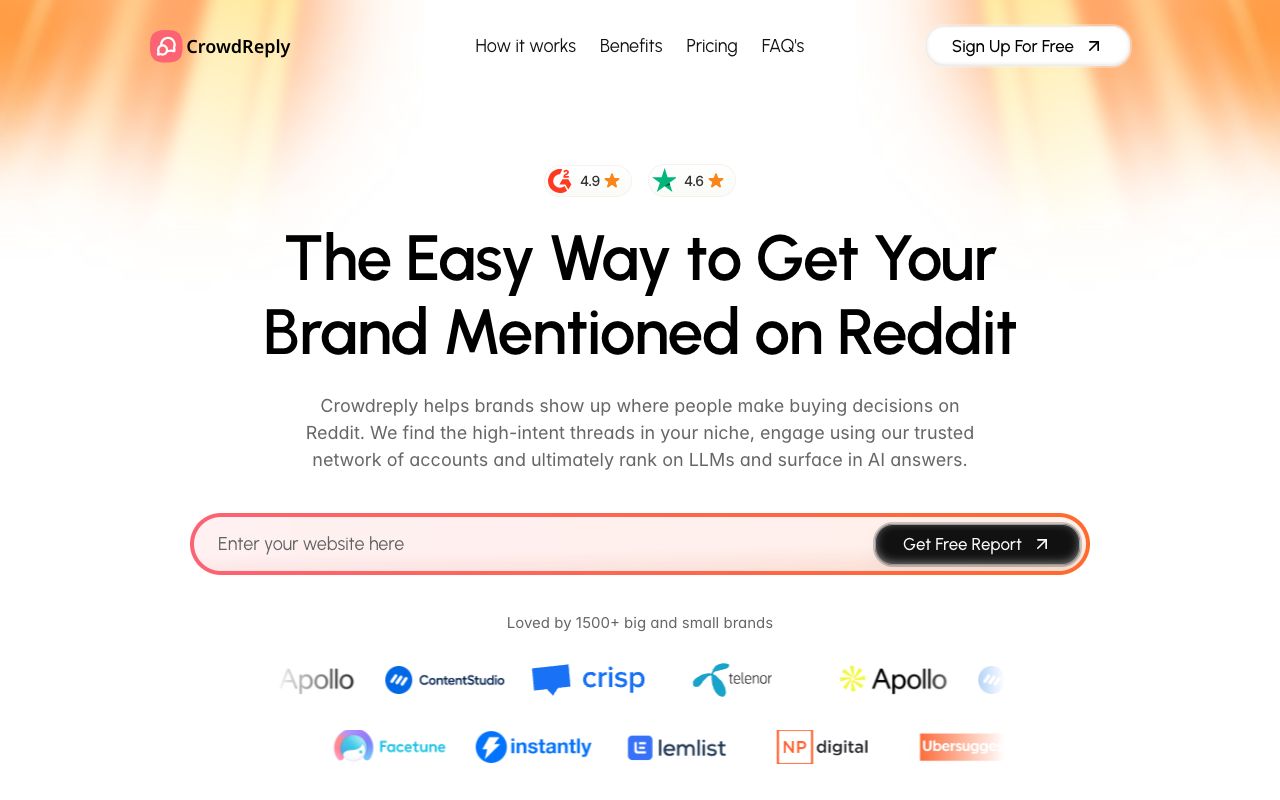
While not a traditional scheduler, Crowdreply is essential for modern SaaS growth hacking. It focuses specifically on Reddit marketing, a channel often ignored by standard tools. It helps you find relevant conversations where you can organically plug your solution.
Key Features:
Keyword alerts for Reddit conversations.
AI-generated reply suggestions.
Sentiment analysis for subreddits.
Competitor mention tracking.
Best For: Founders and growth hackers using community-led growth strategies. Check out our list of Reddit marketing tools for more context.
Pricing: Pay-as-you-go model or subscription tiers.
Pros & Cons: It is highly specialized for Reddit, which gives it an edge for that specific platform. However, it does not manage Instagram or LinkedIn, so it should be used alongside a general scheduler like Buffer.
7. Zoho Social
Screenshot of Zoho Social Interface interface
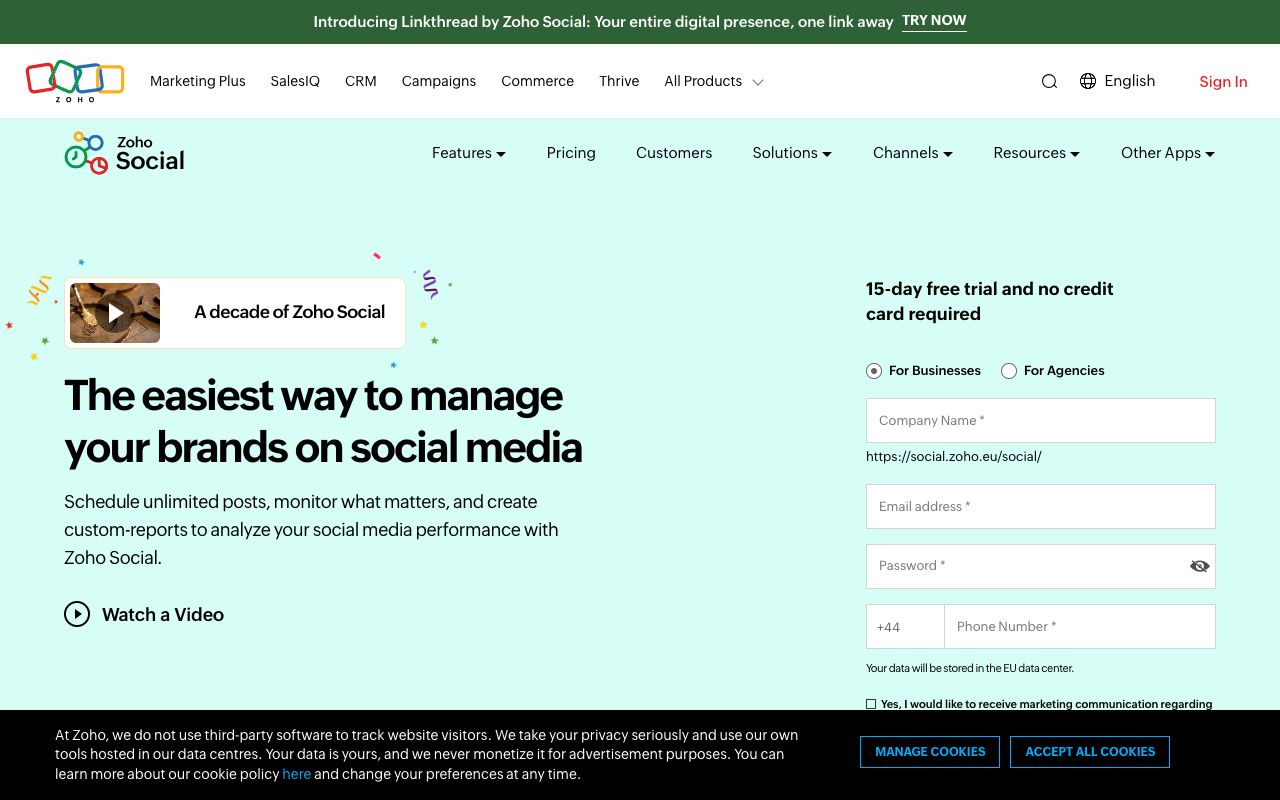
If your business already runs on the Zoho ecosystem, Zoho Social is a no-brainer. It integrates deeply with Zoho CRM, allowing you to turn social engagement directly into leads. This bridges the gap between social media marketing and sales revenue.
Key Features:
CRM integration (capture leads from social).
zShare browser plugin.
Livestream dashboard.
Direct Instagram publishing.
Best For: Businesses using Zoho CRM that want to track social media ROI down to the lead level.
Pricing: Starts at $15/month for the Standard plan.
Pros & Cons: The CRM integration is a massive advantage for B2B sales teams. However, as a standalone tool outside the Zoho ecosystem, it is less feature-rich than Hootsuite.
Comprehensive Feature Comparison (2026)
Feature
Hootsuite
Buffer
Sprout Social
Planable
SocialPilot
Price Starting
$99/mo
$6/ch/mo
$249/mo
$11/user/mo
$30/mo
Visual Planner
Yes
Yes
Yes
Excellent
Basic
Social Listening
Advanced
No
Advanced
Basic
Basic
Approval Workflow
Yes
Basic
Yes
Advanced
Yes
AI Assistant
Yes
Yes
Yes
No
Yes
Conclusion: Which Tool Should You Choose?
Selecting the best social media marketing SaaS tool depends on so many different variables. For that reason, I wouldn't say there is a single best tool.
Yep, I did that! I gave the "it depends" answer, but hopefully this post was able to give you a few different options you could explore for your specific needs and use cases.
Choose Buffer if you are a solo founder or small team needing a low-cost, high-efficiency solution.
Choose Planable if your bottleneck is getting content approved by stakeholders.
Choose Sprout Social if you have the budget and need deep analytics to prove ROI to a board.
Choose SocialPilot if you are an agency managing 50+ accounts and need to protect your margins.
Just keep in mind though, that whatever tool you choose is only going to be as good as your marketing strategy. So you can automate the logistics all you like, but the most important thing is that you spend more time engaging with your users and potential customers. Honing in on their pain points and building something that they love!
Ready to Launch Your SaaS?
Don't just post on social media. Ensure your <a href='/blog/b2b-product-launch-strategy' class='internal-link'>product launch</a> is a success with our comprehensive checklist.
•Automates repetitive posting tasks, saving 10+ hours a week.
•Provides unified analytics to calculate ROI.
•Enables better team collaboration and consistency.
Cons
•Enterprise tools like Sprout Social can be prohibitively expensive.
•Reliance on tools can sometimes lead to 'robotic' engagement if not monitored.
•Platform API changes can occasionally break integrations.
Pro Tip
Use the 'Duplicate' feature in tools like Buffer to repost evergreen content every 3-4 months.
Don't automate your replies. Use these tools for scheduling, but log in manually to engage with comments.
Tag your posts with campaign labels in your tool to track which specific topics drive the most conversions.
Frequently Asked Questions
What is the best free social media management tool?
Buffer offers the best free plan for beginners, allowing you to connect up to 3 channels and schedule posts. Hootsuite also has a free tier, but it is more restrictive regarding the number of posts you can schedule.
Is Sprout Social worth the high price?
For enterprise companies and large agencies, yes. Sprout Social's reporting capabilities and 'Smart Inbox' can save larger teams countless hours of manual data entry and coordination, justifying the higher cost per seat.
Can I manage LinkedIn personal profiles with these tools?
Yes, almost all major SaaS tools (Hootsuite, Buffer, SocialPilot) allow you to schedule posts for LinkedIn personal profiles as well as Company Pages.
Which tool is best for Instagram scheduling?

Planable is excellent for Instagram because of its visual grid preview, allowing you to see exactly how your feed will look. Later (not listed above) is another strong contender specifically for visual-first platforms.
Arielle Phoenix
Helping founders get their first 100 customers!
Join the Newsletter
Get growth tactics and launch strategies delivered to your inbox for builders like you.