Best Vibe Coding Tools 2026: Top 7 for Devs & Non-Devs (Tested & Ranked)
Stop writing syntax. Start shipping. Here are the 7 best AI IDEs to help you stay in the flow.
Too Long; Didn't Read
- Google Antigravity is the overall winner: It is the fastest, cheapest, and most capable agentic IDE, capable of building production apps in one prompt.
- Lovable.dev is the top choice for non-technical founders who want to build apps via chat.
- Cursor remains the standard for power users who want a VS Code experience with deep AI integration.
- Trae AI offers the best value with a generous free tier for budget-conscious developers.
Quick Summary: Top 7 Vibe Coding Tools
| Tool | Best For | Key Strength |
|---|---|---|
| Google Antigravity | Best All-Rounder | Fastest, cheapest, & most capable agentic workflows |
| Claude Code | Deep Codebase Work | Multi-file refactors across terminal + IDE |
| Lovable.dev | Beginners/Non-Devs | Build full apps via chat with zero setup |
| Cursor | Power Users | VS Code-style editor with strong code-aware chat |
| Trae AI | Budget Conscious | Generous free tier with Claude/GPT models |
| Factory IDE | Teams & Enterprise | Agent-native workflows across CLI and tools |
| Windsurf | Privacy Conscious | Local-first, enterprise-friendly (Cognition owned) |
1. Google Antigravity

- Super Base MCP Integration: One-prompt build for database, auth, and frontend.
- Sub-1 Second Inference: Fastest response times in the industry.
- Agentic Planning: Autonomously plans complex multi-step tasks.
- Production Ready: Deploys directly to Google Cloud or your preferred host.
| Plan | Price | Features |
|---|---|---|
| Free | $0/mo | 100 prompts/day, basic agents |
| Pro | $9/mo | Unlimited, priority agents, Supabase Pro |
| Enterprise | $19/user/mo | Teams, SOC2 compliance |
Pros: Unmatched speed, incredibly low cost for the value, and the Super Base integration makes backend work trivial.
Cons: Heavily integrated into the Google ecosystem, which might be a hurdle if you are strictly AWS.
Build Your First Micro-SaaS
Have an idea? See how you can turn it into a business quickly.
Join the Community2. Claude Code
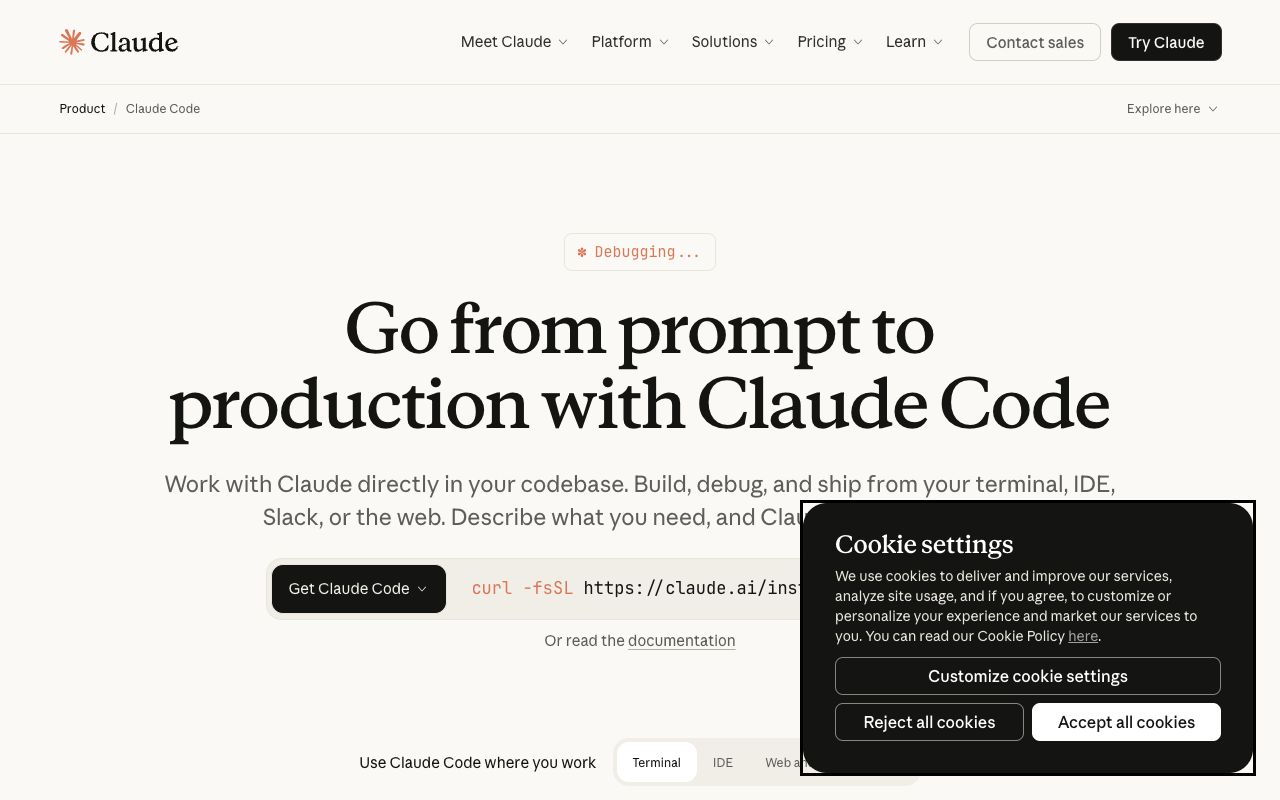
- Deep Reasoning: Leverages Claude 3.5 Opus/Sonnet for complex logic.
- Unified Workflow: Controls terminal commands and web previews.
- Batch Refactoring: Can rewrite dozens of files across a repo instantly.
| Plan | Price | Features |
|---|---|---|
| Free | $0/mo | Basic web access |
| Pro | $20/mo | Unlimited refactors, 200k tokens |
Pros: Best-in-class reasoning capabilities; understands complex legacy codebases better than anything else.
Cons: Slower on simple autocomplete tasks compared to Antigravity.
3. Lovable.dev
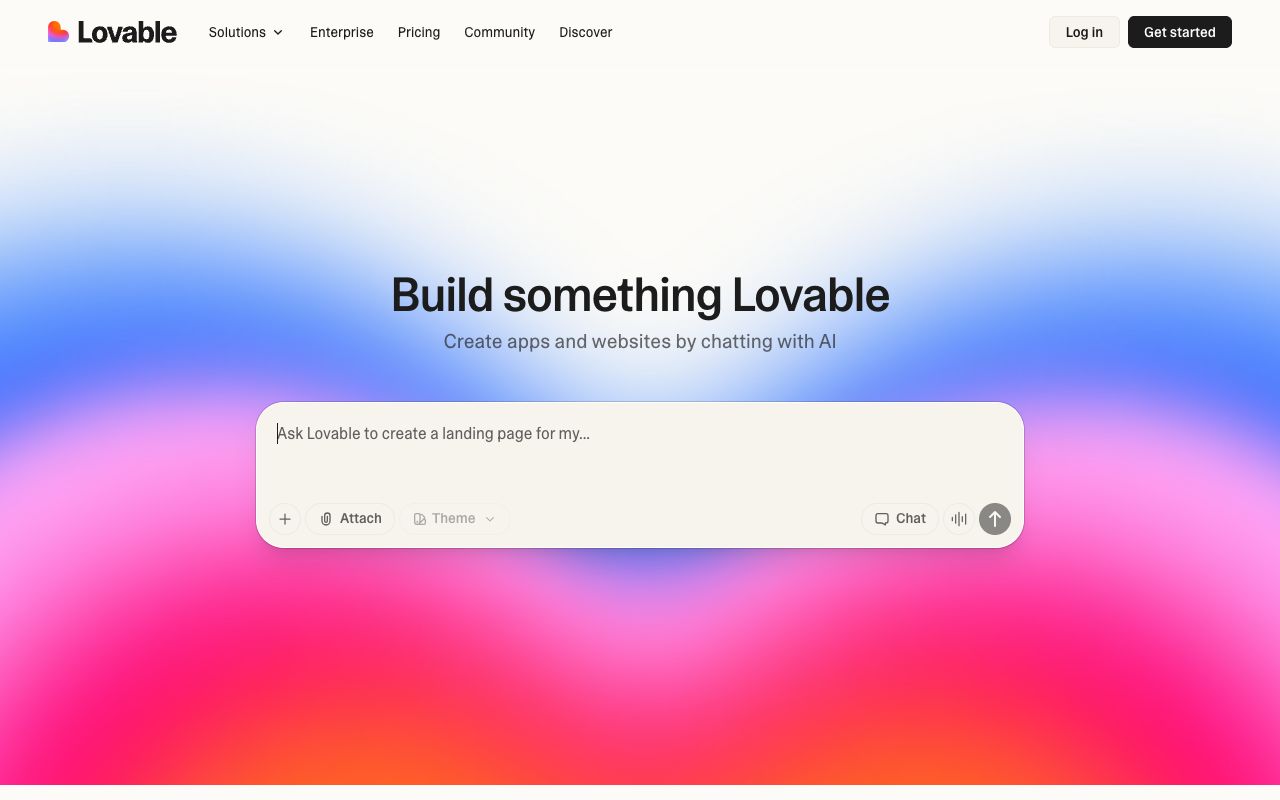
- Chat-to-App: Generates React/Tailwind/Supabase stacks instantly.
- Visual Preview: See your app evolve in real-time as you chat.
- One-Click Deploy: Publish to the web without touching a command line.
| Plan | Price | Features |
|---|---|---|
| Free | $0/mo | 5 apps/mo |
| Pro | $19/mo | Unlimited apps, custom domain exports |
Pros: Zero barrier to entry; beautiful UI defaults.
Cons: Less flexibility for backend logic compared to a full desktop IDE.
4. Cursor
- Codebase Awareness: Chats with your entire repo context.
- Composer Mode: Write code across multiple files in one go.
- VS Code Native: Supports all VS Code extensions and themes.
| Plan | Price | Features |
|---|---|---|
| Free | $0/mo | Basic AI access |
| Pro | $20/mo | Unlimited fast requests, premium models |
Pros: Cursor vibe coding is familiar for VS Code users due to its interface and robust community and plugins.
Cons: Can be resource-heavy on older machines.
Ready to Launch?
Once you've built your tool, make sure your launch strategy is solid.
Get Free Checklist5. Trae AI
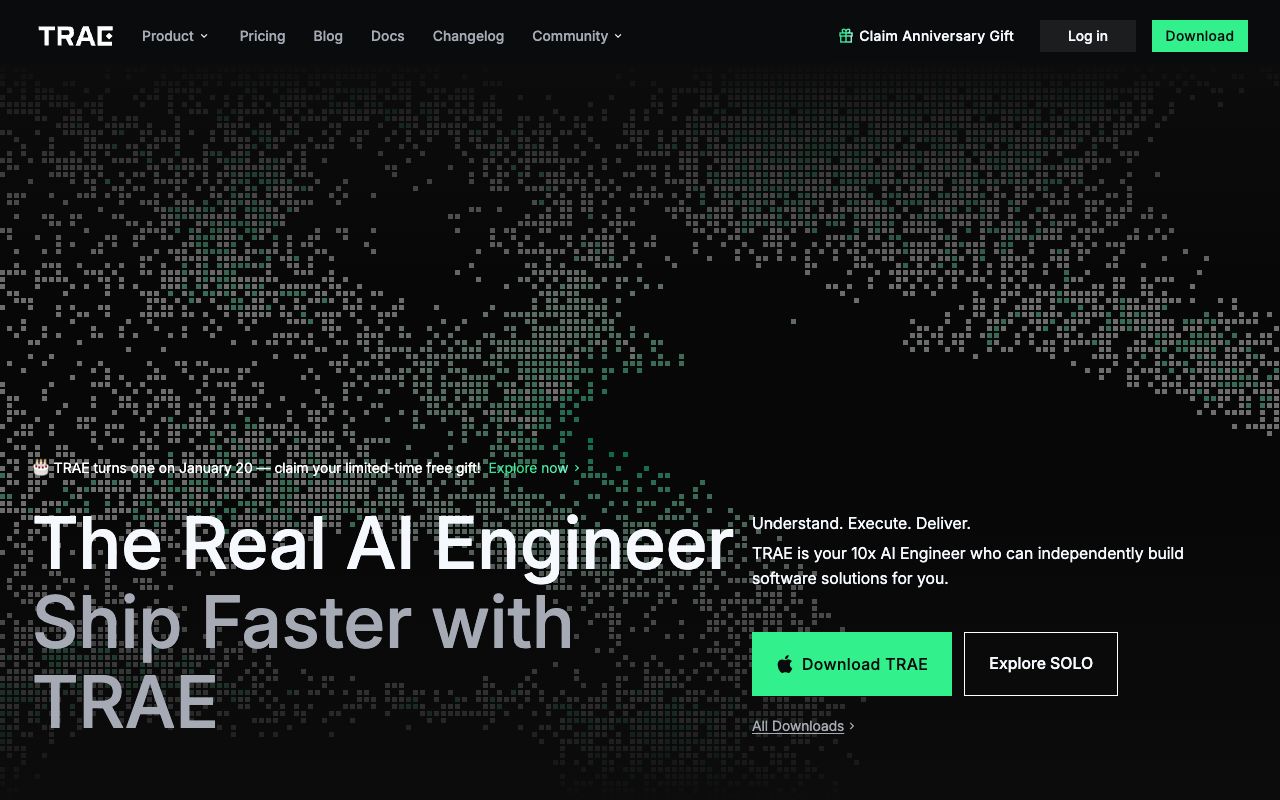
- Model Flexibility: Switch between Claude and GPT models easily.
- Native Mac Client: Fast, native performance.
- Generous Free Tier: High limits for free users.
| Plan | Price | Features |
|---|---|---|
| Free | $0/mo | Unlimited Claude/GPT access (fair use) |
| Pro | $10/mo | Priority queue, faster inference |
Pros: Incredible value; native speed.
Cons: Newer ecosystem with fewer plugins than Cursor.
6. Factory IDE (Factory.ai)
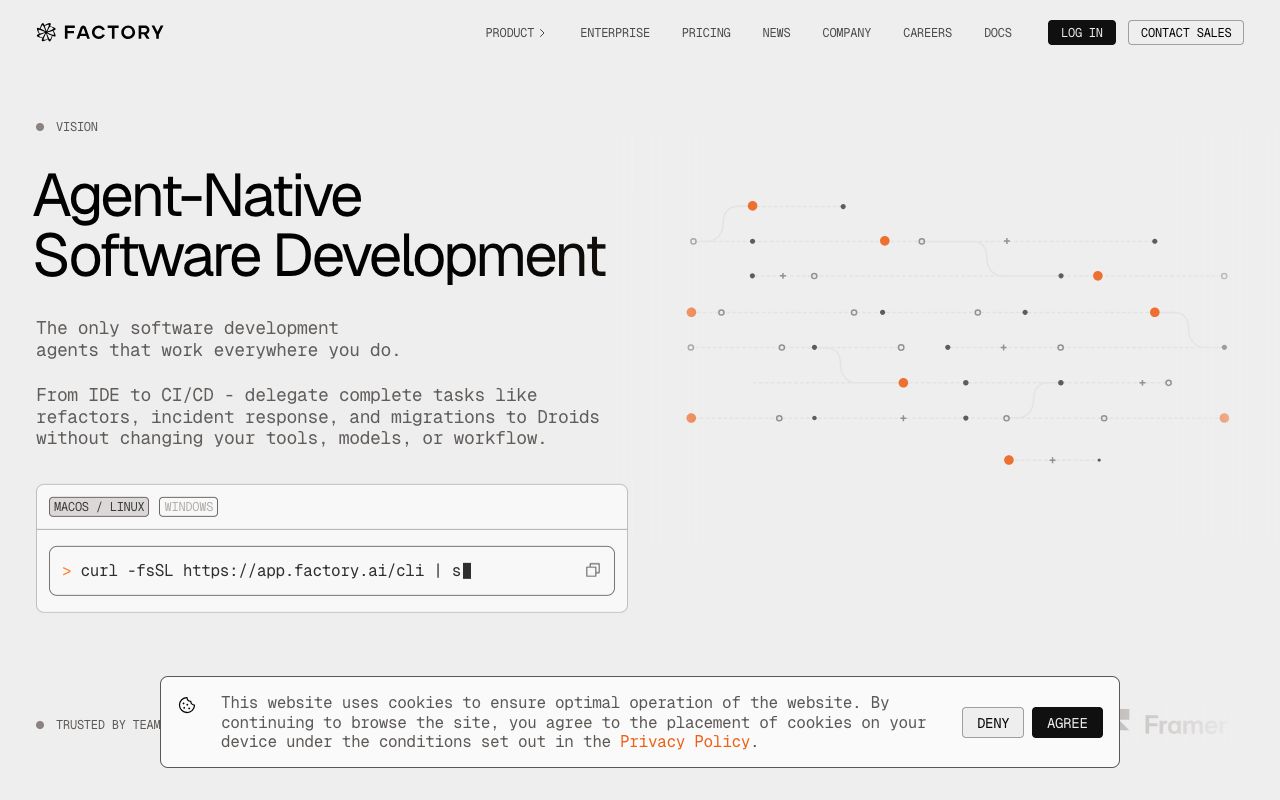
- Agent-Native: Droids that run tests, fix bugs, and document code.
- Team Context: Agents share context across the whole team's work.
- CLI Integration: deeply integrated into command line workflows.
| Plan | Price | Features |
|---|---|---|
| Team | $29/user/mo | Collab agents, shared context |
| Enterprise | Custom | SSO, On-prem deployment options |
Pros: Extremely powerful for automating maintenance and testing at scale.
Cons: Overkill for solo developers or simple projects.
7. Windsurf
- Local-First: Keeps code processing local where possible.
- BYOK: Plug in your own LLM keys for total control.
- Enterprise Grade: SOC2 compliant and privacy-focused.
| Plan | Price | Features |
|---|---|---|
| Free | $0/mo | Basic local features |
| Pro | $15/mo | Advanced BYOK, cloud sync |
Pros: High security; great for corporate environments.
Cons: Setup can be more complex than cloud-native tools.
Comparison: Which Tool Fits Your Vibe?
Comprehensive Specs Comparison
| Tool | Primary User | Standout Feature | Starting Price |
|---|---|---|---|
| Antigravity | All-Rounder | Super Base MCP / 1-Prompt Build | $0/mo |
| Claude Code | Architects | Deep Reasoning & Terminal | $0/mo |
| Lovable | Non-Devs | Chat-to-App Interface | $0/mo |
| Cursor | Pro Devs | VS Code Fork + Composer | $0/mo |
| Trae AI | Budget Devs | Unlimited Free Claude | $0/mo |
| Factory | Teams | Auto-Maintenance Agents | $29/mo |
| Windsurf | Privacy | Local/BYOK Support | $0/mo |
Final Recommendation
Scale Your SaaS
You have the tools. Now get the strategy to scale to your first 100 users.
Join the CommunityPros
- • Drastically reduces coding time (up to 10x faster)
- • Allows non-technical founders to build production apps
- • Automates tedious tasks like testing and refactoring
Cons
- • Can lead to reliance on AI for simple logic
- • Privacy concerns with cloud-based inference
- • New tools have steeper learning curves than standard IDEs
Pro Tip
Use Antigravity's Super Base MCP for instant backend setup.
Combine Lovable for frontend prototyping with Cursor for backend refinement.
Utilize Trae AI's free tier if you are just experimenting before committing to a subscription.
Frequently Asked Questions
What is the best vibe coding tool for beginners?
Is Google Antigravity free?
Which AI code editor is best for privacy?
Can I use VS Code extensions with these tools?
What is the difference between Cursor and Antigravity?

Join the Newsletter
Get growth tactics and launch strategies delivered to your inbox for builders like you.
Unsubscribe at any time.
Recommended
in building
Why Your Lovable Blog Posts Don't Appear in Google (And How to Actually Fix It)
The Lovable SEO Fix (SEO God Mode Module) vs Prerender.io: Honest Comparison
SEO God Mode (The Lovable SEO Fix) vs LovableHTML: Honest Comparison
Built it? Get it seen.
Get featured.
Reach beyond your site.
Put your tool in front of builders and create more ways for people to find you.
- Featured on LaunchRocket.ioA place to showcase your tool.
- 50 directories. Selected for your niche.SaaS, tool and business sites. We handle the submissions.