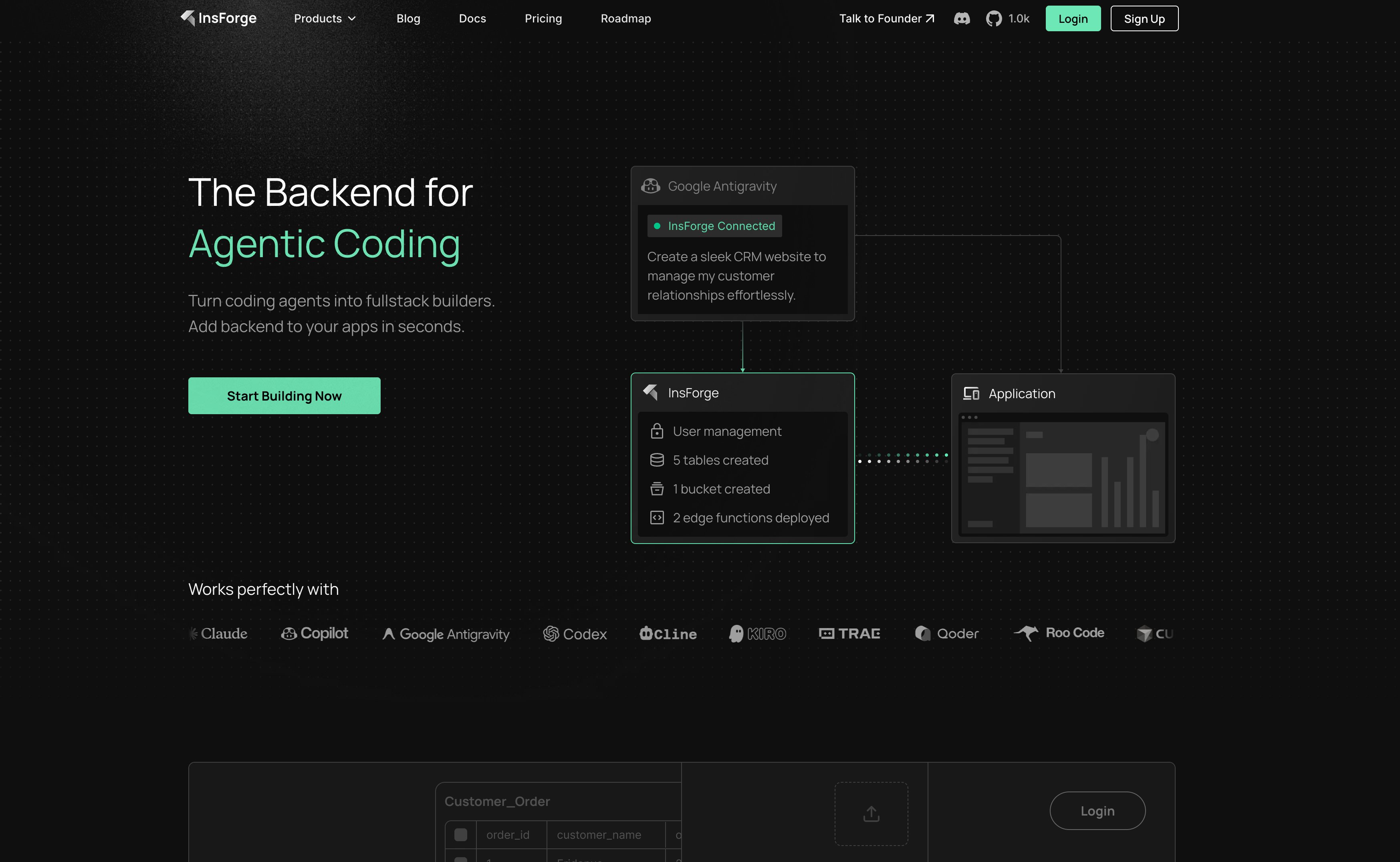
Best for AI Agents:InsForge offers native integration with Cursor and Claude Code, reducing backend configuration time by 1.6x.
Best for Mobile:Firebase remains the king of offline-first sync and stable SDKs.
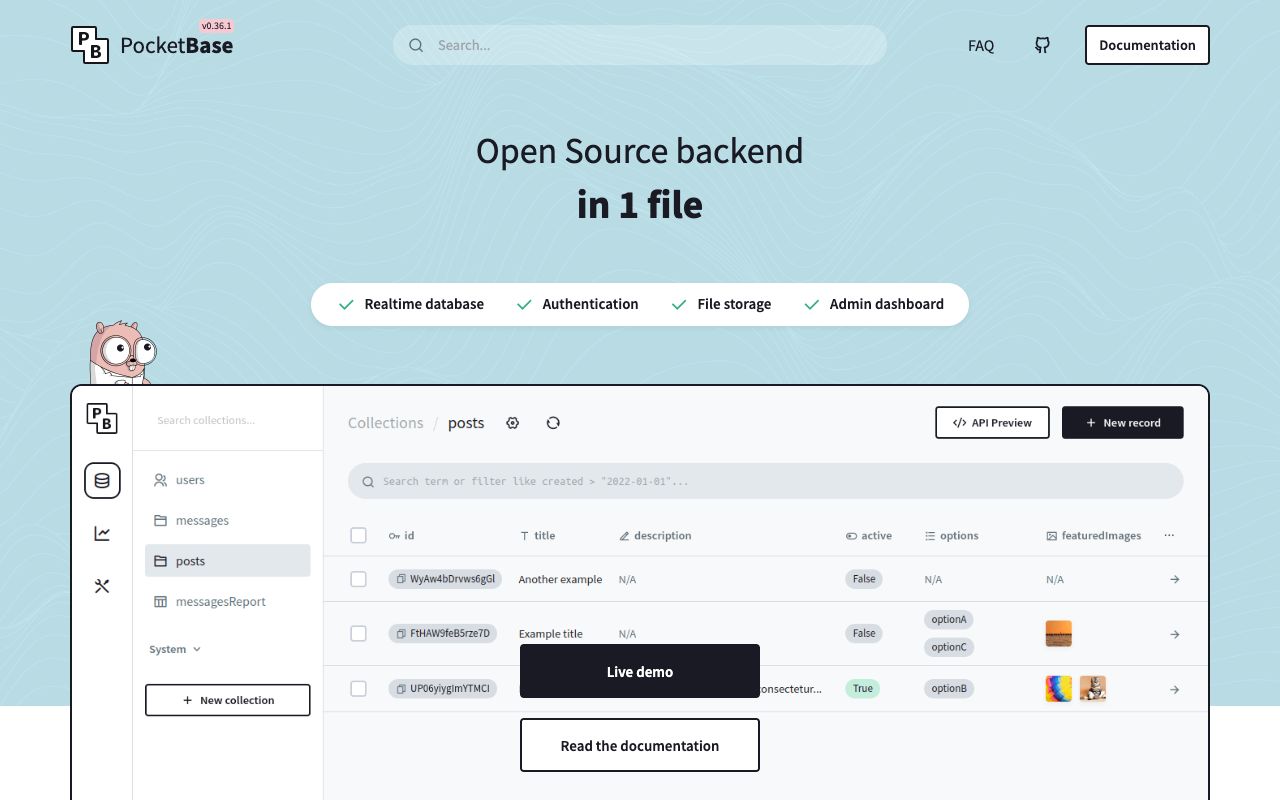
Best for Indie Hackers:PocketBase provides a zero-cost, single-file backend that runs on any $5 VPS.
Best for GraphQL:Nhost and Hasura auto-generate GraphQL APIs from your Postgres schema instantly.
Why Some Developers Are Leaving Supabase in 2026
Listen, I am the first person to champion Supabase. It changed the Backend-as-a-Service (BaaS) SaaS Business Model market by offering an open-source, SQL-based alternative to Firebase. But, some builders are finding that as they scale their project, their team grows and workflows evolve, certain friction points have started emerging.
It's okay, though, you never need to feel locked into anything, not in 2026!
The primary driver for this friction and switching is often cost. Supabase charges $0.00325 per monthly active user (MAU) beyond the free tier limit, which can balloon bills for consumer apps. Not only that, but the rise of AI coding agents like Cursor and Claude Code has created a demand for backends that configure themselves via natural language, rather than requiring manual dashboard clicking.
So, whether you need a specialized vector database, a lightweight self-hosted binary, or deep integration with Firebase for mobile, the market now offers MANY solutions that can replace Supabase depending on your niche and usecase. Below is a breakdown of the top 15 alternatives.
Quick Top 3 Picks
Best For
Tool
Key Advantage
AI & Agents
InsForge
Auto-configures via MCP
Mobile/Offline
Firebase
Unmatched real-time sync
Indie/Budget
PocketBase
Single-file, runs on $5 VPS
💡 2026 Migration Pro Tips
Expert Advice
If using PocketBase, pair it with a cheap VPS like Hetzner ($5/mo) for an incredibly cheap production stack.
For AI apps, use InsForge to let your coding agent handle the schema migration—it saves hours of context switching.
Always calculate 'Egress' costs before choosing Firebase; they are the hidden killer for scaling apps.
With all of that being said, here are the top Supabase alternatives for 2026!
1. InsForge , Best AI-Native Backend for Coding Agents
Screenshot of InsForge Dashboard interface
InsForge.dev represents a shift in how backends are built. While traditional platforms require you to manually set up tables and auth providers, InsForge connects directly to AI coding tools like Windsurf and Cursor via the Model Context Protocol (MCP). You describe your data model in plain English within your IDE, and the agent provisions the database, storage, and authentication automatically.
Why it beats Supabase: Supabase requires context switching between your code editor and their web dashboard. InsForge keeps you in the flow. According to MCPMark, an open-source benchmark specifically designed to evaluate Model Context Protocol (MCP) implementations for AI coding agents, InsForge completes backend tasks in 150 seconds compared to Supabase's 239 seconds, a 1.6x improvement. The benchmark tests 127 tasks across realistic scenarios and shows InsForge uses 30% fewer tokens (8.2M vs 11.6M) and achieves 1.7x higher accuracy (47.6% vs 28.6%) when AI agents configure backends.
Note: MCPMark measures backend configuration task completion by AI agents, not raw database query performance. The benchmarks evaluate how easily agents can set up tables, auth, and functions via natural language rather than database speed under load.
Key Features & Pricing
It offers a standard PostgreSQL database, meaning you don't lose the SQL power you love from Supabase. It includes built-in auth, file storage, and edge functions that deploy automatically when your agent generates the code.
InsForge Pricing
Plan
Price
Inclusions
Beta
Free
Generous limits for hobby projects
Pro
~$25-30/mo
Includes ~$20 compute + $10 AI credits
Self-Hosted
Free
Open source core (BYO infrastructure)
Best for: Developers using AI coding tools who want to skip manual backend configuration.
Real-world performance varies significantly by workload type. Supabase's PgBouncer implementation maintains a default pool of 15 connections that can handle demand 10-20x larger through connection recycling. Firebase developers frequently report Time to First Byte (TTFB) between 3.9-15 seconds due to HTTP long-polling optimizations and cold starts, though actual Firestore query execution averages ~90ms.
Performance Comparison
Metric
Supabase
Firebase
InsForge
Connection Pool Size
15 (default PgBouncer)
N/A (NoSQL)
Managed automatically
Max Connections (Free)
60 via PgBouncer
Unlimited (NoSQL)
Scales with plan
Query TTFB
~200ms (Postgres)
3.9-15s (reported by devs)
Agent task: 150s
Database P50 Latency
~100ms
~90ms (Firestore internal)
~100ms (Postgres)
Complex Query Support
✅ SQL joins/aggregations
❌ Requires multiple queries
✅ Agent-optimized SQL
Token Efficiency (AI)
11.6M tokens
N/A
8.2M tokens (-30%)
Developer Experience: Syntax Comparison
The syntax efficiency disparity reveals each platform's philosophy. Supabase optimizes for SQL power users who understand relational databases. Firebase prioritizes rapid prototyping with document-oriented simplicity. InsForge eliminates syntax entirely, AI agents translate developer intent ('show recent posts with authors') into production code, reducing 50+ lines of configuration to a single descriptive prompt.
Below is an example of the same task, Querying Published Posts with Author Data, across all three platforms:
InsForge (1 Natural Language Prompt) "Show me the 10 most recent published posts with author details"
# Agent automatically:
# 1. Generates optimized SQL with JOIN
# 2. Creates API endpoint
# 3. Returns typed response
2. Firebase, Best for Mobile & Offline-First Apps
Firebase remains the standard for mobile infrastructure.
Firebase is the veteran in the room. Despite the SQL hype, Firebase's NoSQL Firestore database offers something relational databases struggle to match: effortless offline synchronization. For mobile apps where users might lose connectivity, Firebase SDKs handle data caching and re-syncing automatically without you writing a single line of conflict-resolution code.
Why it beats Supabase: The integration with Google's ecosystem is tighter. If you need Google Analytics, Crashlytics, and BigQuery, Firebase bundles them natively. Supabase requires third-party integrations for these.
Firebase Pricing Model
Cost Type
Spark (Free)
Blaze (Pay-as-you-go)
Reads
50K / day
$0.06 per 100K
Writes
20K / day
$0.18 per 100K
Egress
10GB / month
$0.15 / GB (Can get pricey)
Best for: Mobile app developers who prioritize offline performance over complex SQL queries.
Ready to Launch?
Join hundreds of founders launching their products with LaunchRocket. Get more eyeballs on your product today.
3. Nhost , Best GraphQL-First Postgres Alternative
Screenshot of Nhost Dashboard interface
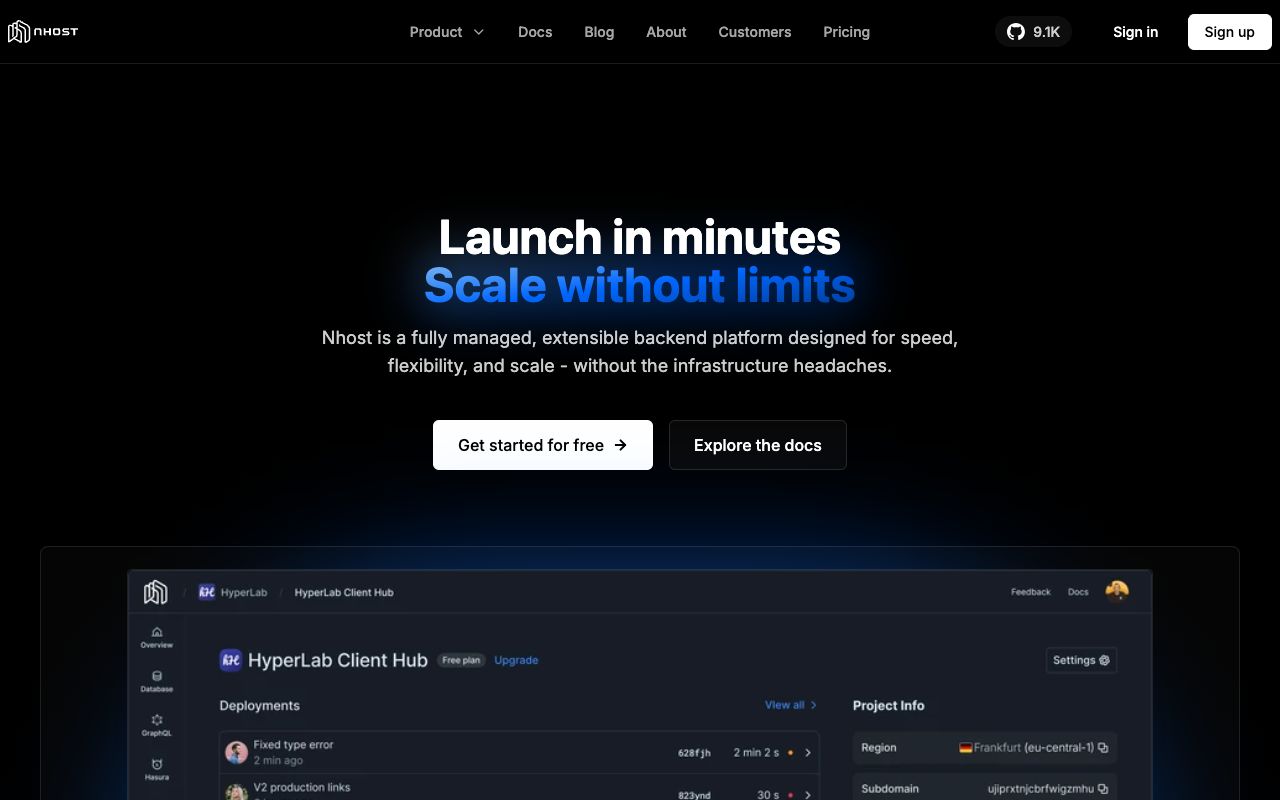
If you prefer GraphQL over REST, Nhost is your answer. It wraps a real PostgreSQL database with Hasura, an engine that instant compiles your database schema into a high-performance GraphQL API. You get the data integrity of SQL with the flexible fetching of GraphQL.
Why it beats Supabase: Supabase treats GraphQL as a second-class citizen via an adapter. Nhost is GraphQL-native. It also offers 'Nhost Run', allowing you to deploy full containerized services alongside your database, unlike Supabase's more limited edge functions.
Nhost Pricing
Tier
Price
Database
Starter
Free
0.5 GB Postgres
Pro
$25 / mo
10 GB Database + 50 GB Transfer
Team
$599 / mo
Dedicated Infrastructure
Best for: Frontend teams using React/Next.js who want type-safe GraphQL APIs without building them manually.
4. Appwrite , Best Open-Source Self-Hosted Option
Screenshot of Appwrite Dashboard interface
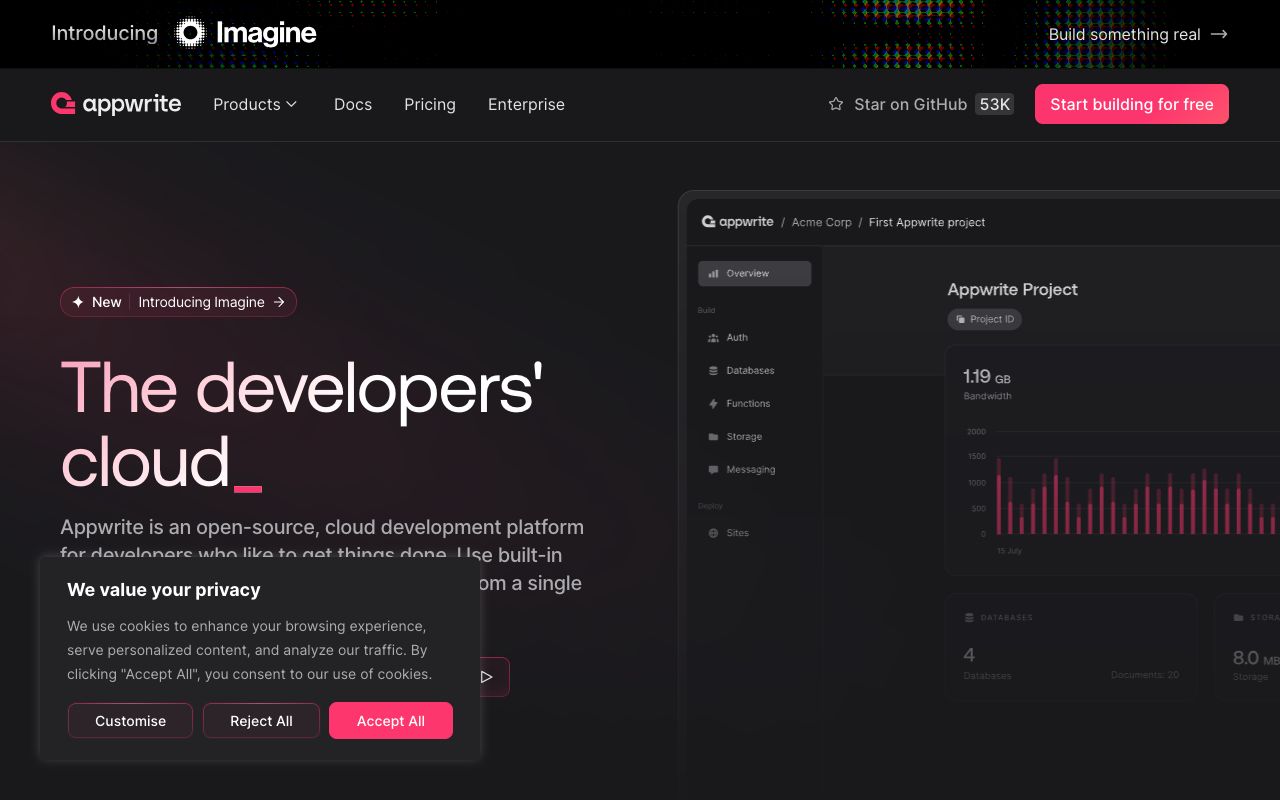
Appwrite is a developer favorite for its commitment to open source and self-hosting. It runs easily as a set of Docker containers. Unlike Supabase's focus on PostgreSQL, Appwrite is database-agnostic but primarily abstracts a NoSQL structure for simplicity, though it supports SQL adaptations.
Why it beats Supabase: Portability. You can host Appwrite on any cheap VPS or bare metal server with a single Docker command. It also includes storage, functions, and localization tools out of the box.
Pricing Update (2026): Appwrite Cloud recently updated pricing to $25/month per project (up from $15), but increased bandwidth limits to 2TB, making it cheaper for high-traffic apps.
Best for: Agencies and developers who want total control over their infrastructure and data residency.
5. PocketBase , Best Lightweight Backend for Indies
Screenshot of PocketBase UI interface
PocketBase is a masterpiece of minimalism. It is a single 15MB executable file that contains your database (SQLite), authentication, file storage, and admin dashboard. You upload one file to a server, run it, and your backend is live.
Why it beats Supabase: Complexity. Supabase is a cluster of services (Postgres, GoTrue, PostgREST, etc.). PocketBase is one file. For apps with < 100k users, the performance difference is negligible, but the maintenance difference is massive.
PocketBase Costs
Item
Cost
Notes
Software
$0 (Open Source)
Free forever
Hosting
$5 - $10 / mo
Runs on cheapest VPS (Hetzner/DigitalOcean)
Best for:Micro-SaaS, hobby projects, and prototypes where low maintenance is priority #1.
6. Hasura , Best for Connecting Existing Databases
Screenshot of Hasura Console interface
Hasura is not a database; it's a super-powered engine that sits *on top* of your database. If you already have a Postgres, SQL Server, or BigQuery instance, Hasura connects to it and instantly provides a secure GraphQL API. It solves the "n+1 problem" automatically and handles authorization at a granular row level.
Why it beats Supabase: It doesn't lock you into a specific hosting provider. You can host your database on RDS, Azure, or Google Cloud and just point Hasura at it. It enables a unified API mesh across multiple data sources.
Best for: Enterprises and teams with existing database infrastructure who need a modern API layer instantly.
Join 2,000+ Founders
Get the latest SaaS launch strategies and updates delivered to your inbox.
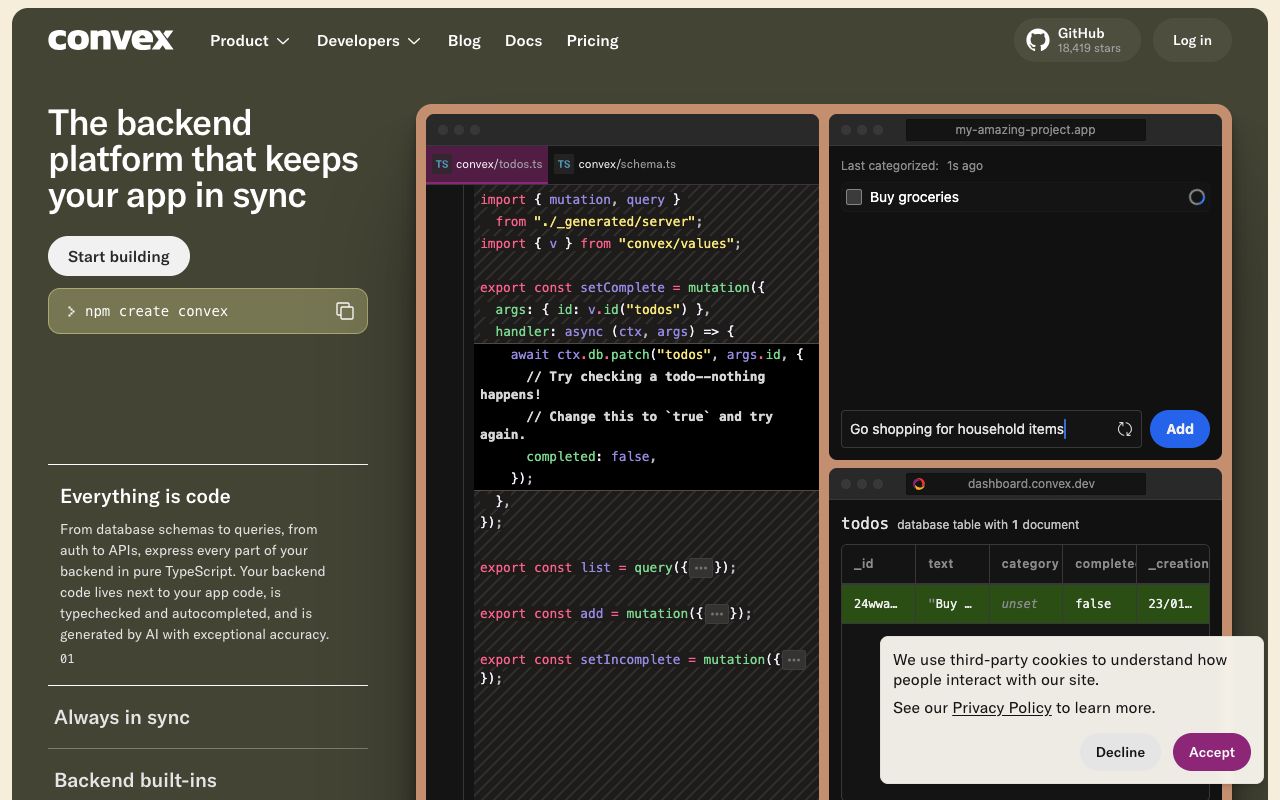
Convex feels less like a database and more like a state management library for your backend. It's built specifically for TypeScript and React developers. Instead of writing SQL or REST endpoints, you write TypeScript functions that run on the server. The data binding is reactive by default, if the data changes in the DB, your UI updates automatically.
Why it beats Supabase: The developer experience (DX) for TypeScript users is superior. There is no mapping between SQL types and TS types; it's all one unified environment. Real-time updates are baked into the query model, not an add-on.
Best for: React/Next.js developers who want to move fast and love strong typing.
8. Directus , Best Headless CMS & Data Platform
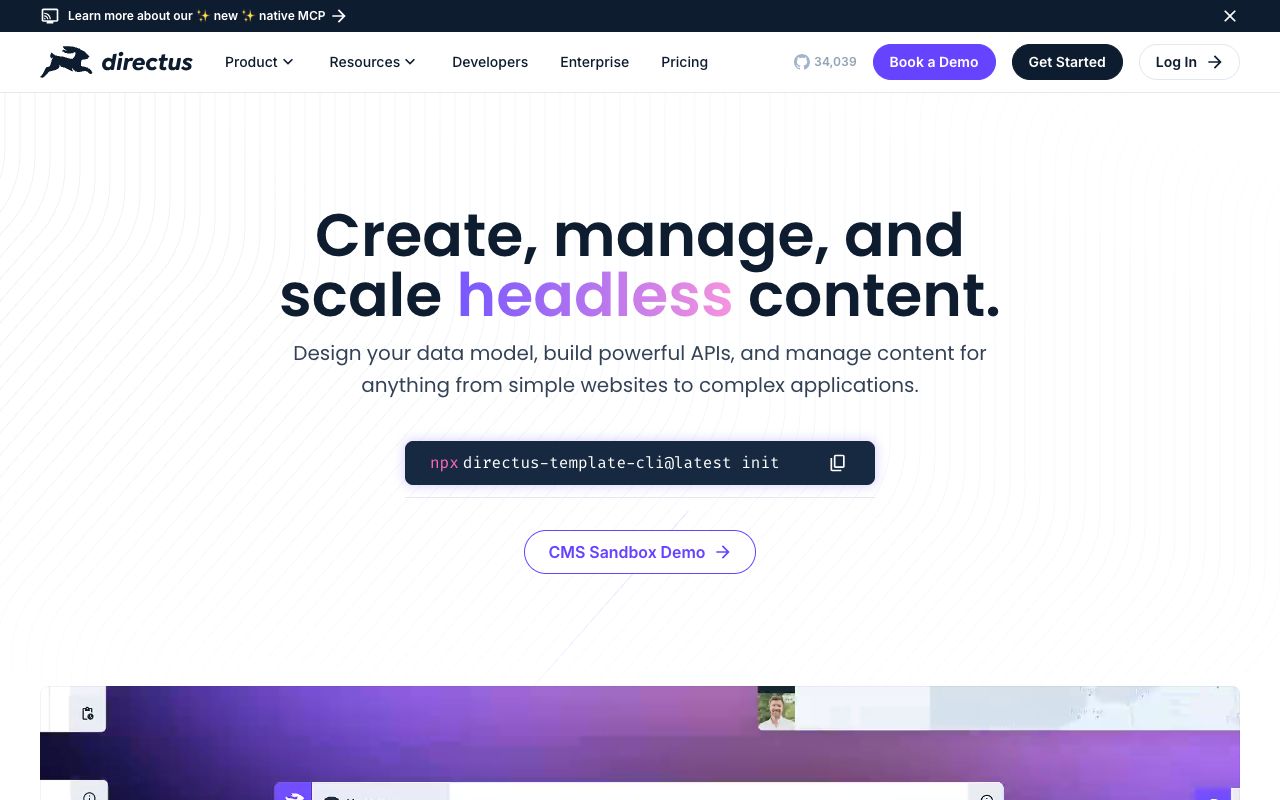
Screenshot of Directus App interface
Directus is unique because it mirrors your database content. It layers a beautiful admin app over any SQL database. Unlike typical CMSs that hide data in proprietary structures, Directus respects your pure SQL schema. It's an instant admin panel for your data. Why it beats Supabase: The admin UI is much more powerful for non-technical users. Marketing teams can use Directus as a CMS to edit blog posts or product listings, while developers consume the data via API. It democratizes access to your database.
Directus Options
Deployment
Cost
Features
Self-Hosted
Free
Unlimited users, roles, and collections
Cloud Standard
$15 / mo
Managed hosting, backups, auto-updates
Best for: Content-heavy sites or projects needing a client-facing admin panel.
9. AWS Amplify , Best for AWS Ecosystem Integration
Screenshot of AWS Amplify interface
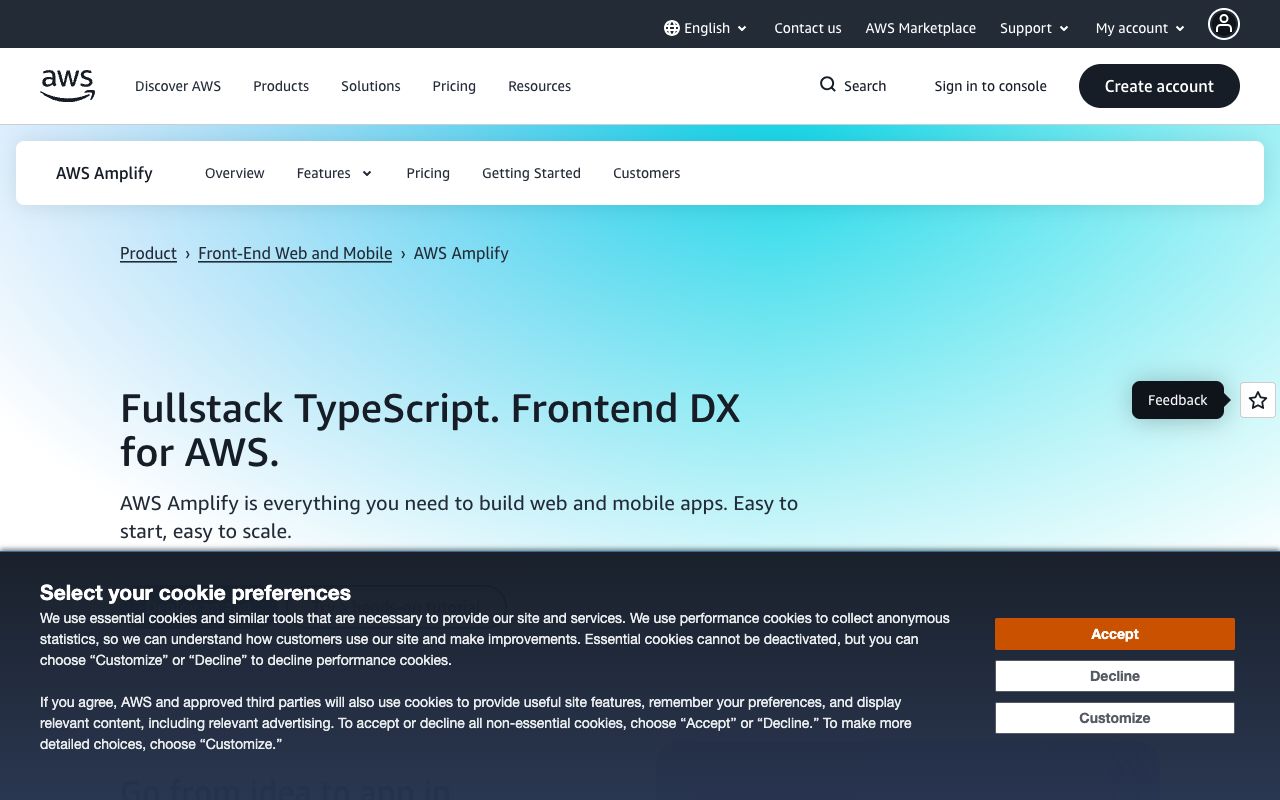
AWS Amplify is the glue that holds various AWS services together (Cognito, DynamoDB, Lambda, AppSync) into a cohesive backend platform. It abstracts away the raw complexity of AWS while giving you the scalability of Amazon's cloud.
Why it beats Supabase: Scale and integration. If your startup grows to need specific AWS features like SageMaker (AI) or Kinesis (streaming), you are already in the ecosystem. You get enterprise-grade compliance and SLAs that smaller providers can't match.
Best for: Startups planning to scale into a full AWS architecture.
10. Back4App , Best Parse-Based Platform
Screenshot of Back4App interface
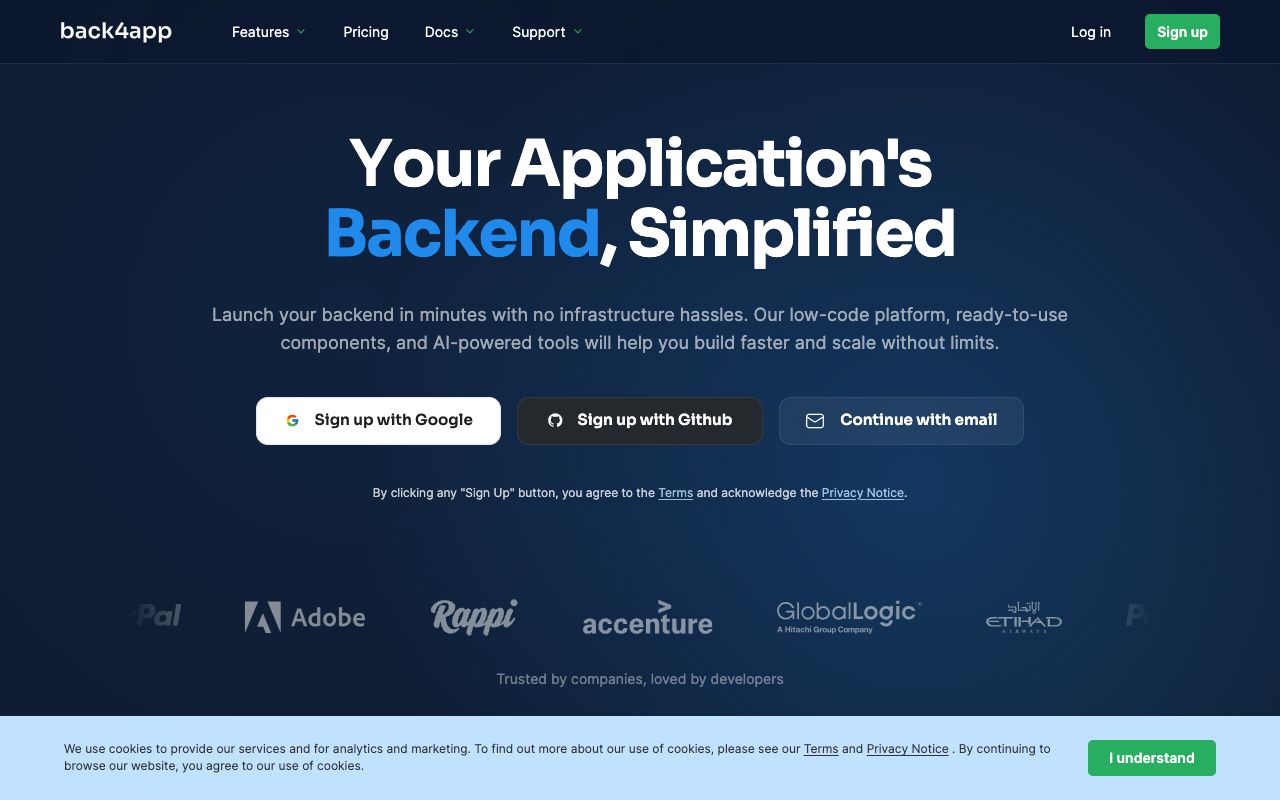
Built on the open-source Parse platform, Back4App is a low-code backend that has stood the test of time. It offers a unique combination of GraphQL and REST APIs automatically generated from your schema. It is particularly known for its ease of use and visual database management.
Why it beats Supabase: It's often simpler for beginners who don't want to deal with raw SQL. The 'Cloud Code' feature allows for easy serverless functions using JavaScript without complex deployment pipelines.
Best for: Developers migrating from legacy Parse apps or those wanting a simple low-code backend.
11. Xano , Best No-Code Backend Builder
Screenshot of Xano interface
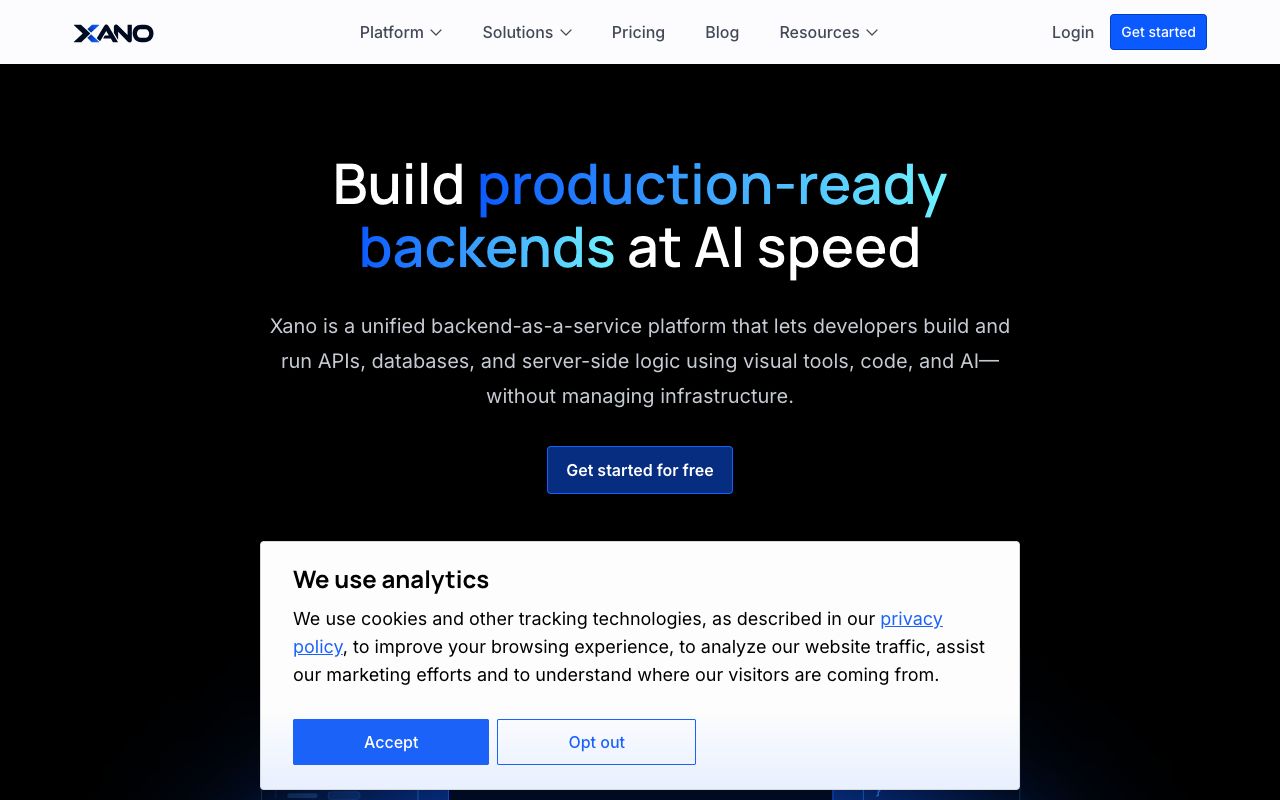
Xano is a "No-Code" backend, but don't let that fool you. It is Turing-complete and extremely powerful. You build API logic, database queries, and background jobs using a visual flow builder. It integrates seamlessly with frontend tools like Lovable or Bubble.
Why it beats Supabase: Speed of logic creation for non-coders. You don't need to know PL/pgSQL to write complex business logic. It also removes the server maintenance burden entirely.
Xano Pricing
Plan
Price
Records
Build
Free
100K records, Rate-limited API
Launch
$99 / mo
No record limits, background tasks
Scale
$249 / mo
Dedicated resources
Best for: No-code founders and teams building complex logic without code.
The Ultimate Launch Checklist
Don't miss a step. Download our comprehensive 30-day product launch checklist PDF.
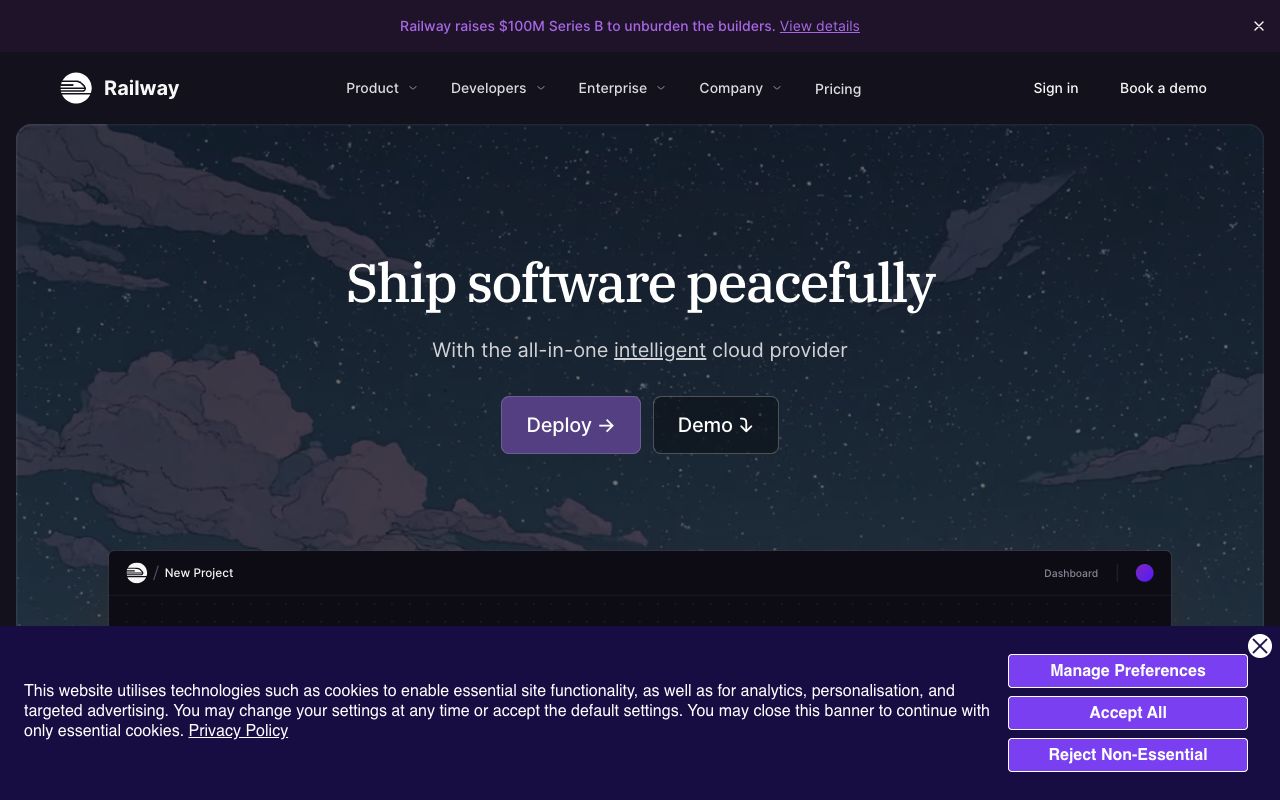
Railway isn't a BaaS in the strict sense, it's an infrastructure platform. However, it makes spinning up a Postgres database and a Redis instance as easy as clicking two buttons. It's the "Bring Your Own Backend" option.
Why it beats Supabase: Flexibility. You aren't stuck with Supabase's specific stack. You can deploy a Python backend, a Golang worker, and a Postgres DB all in the same project view. Pricing is strictly usage-based (CPU/RAM), often cheaper for idle projects.
Railway Pricing
Plan
Price
Includes
Best For
Free
$5 credit
All features
Testing
Usage-based
Pay-per-use
CPU/RAM/bandwidth
Production
Best for: Full-stack engineers who want control over the backend code but don't want to manage Kubernetes.
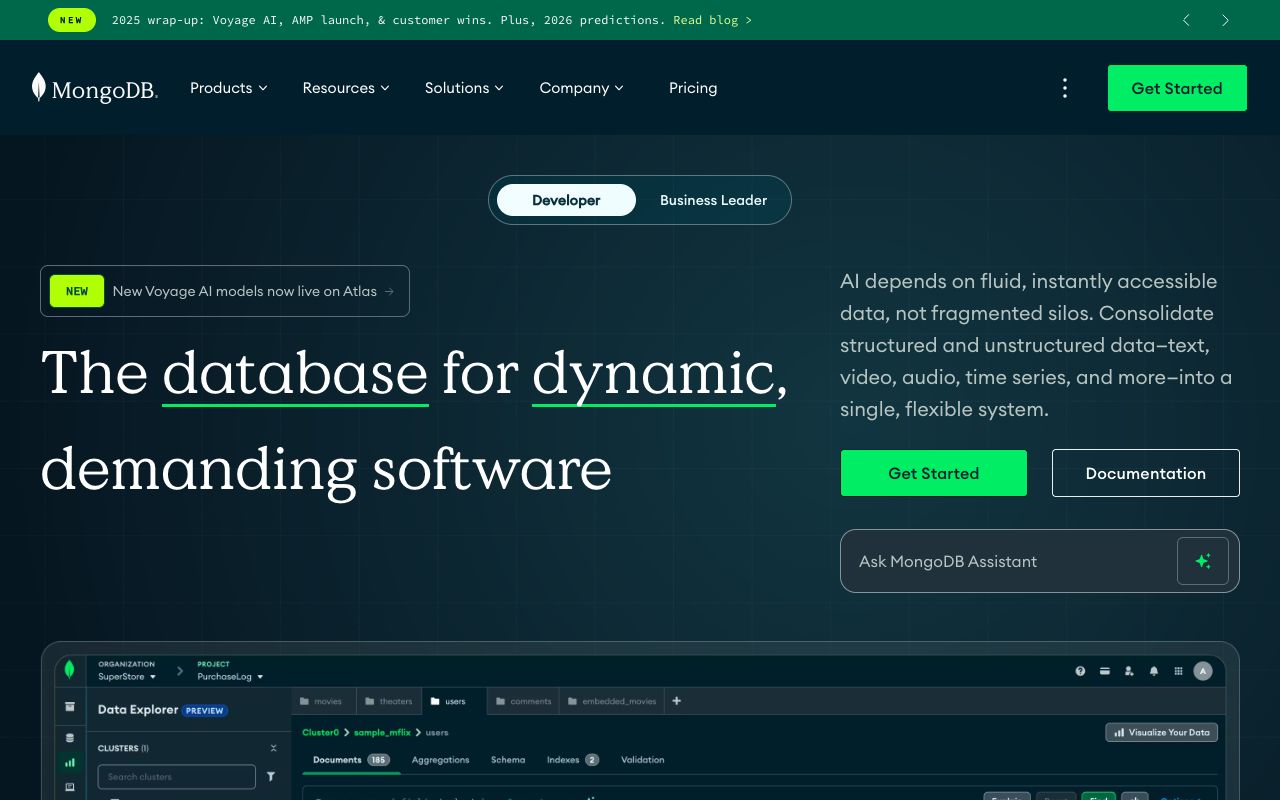
13. MongoDB Atlas , Best Document Database
Screenshot of MongoDB Atlas interface
If your data is unstructured or hierarchical, SQL can be a pain. MongoDB Atlas is the premier managed service for MongoDB. It offers incredible flexibility for changing schemas on the fly without running migrations.
Why it beats Supabase: Schema flexibility. For rapid prototyping where the data model changes daily, document stores like Mongo are faster to work with than rigid SQL tables.
MongoDB Atlas Pricing
Plan
Price
Storage
Best For
Free
$0
512MB
Development
Serverless
Usage-based
$0.30/GB + ops
Variable loads
Dedicated M10
$57/mo
Dedicated cluster
Production
Best for: Projects with complex, nested data structures or frequent schema changes.
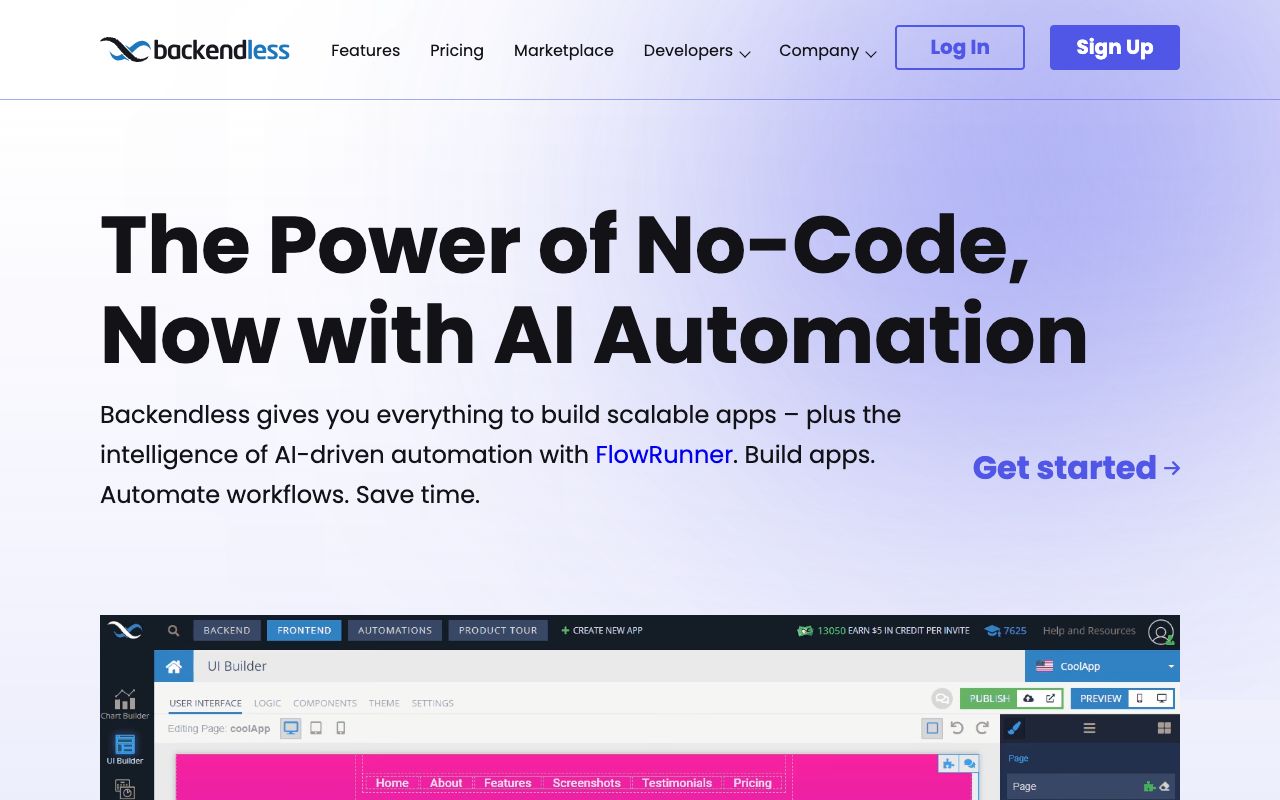
14. Backendless , Best Visual Low-Code Platform
Screenshot of Backendless interface
Backendless bridges the gap between code and no-code. It offers a UI builder, visual logic, and database management, but also allows you to inject custom code easily. It's a "Codeless" approach that doesn't box you in.
Why it beats Supabase: It includes a frontend builder. If you want a one-stop-shop to build the UI and the backend together visually, Backendless is the choice.
Best for: Solo founders who want to build full-stack apps visually.
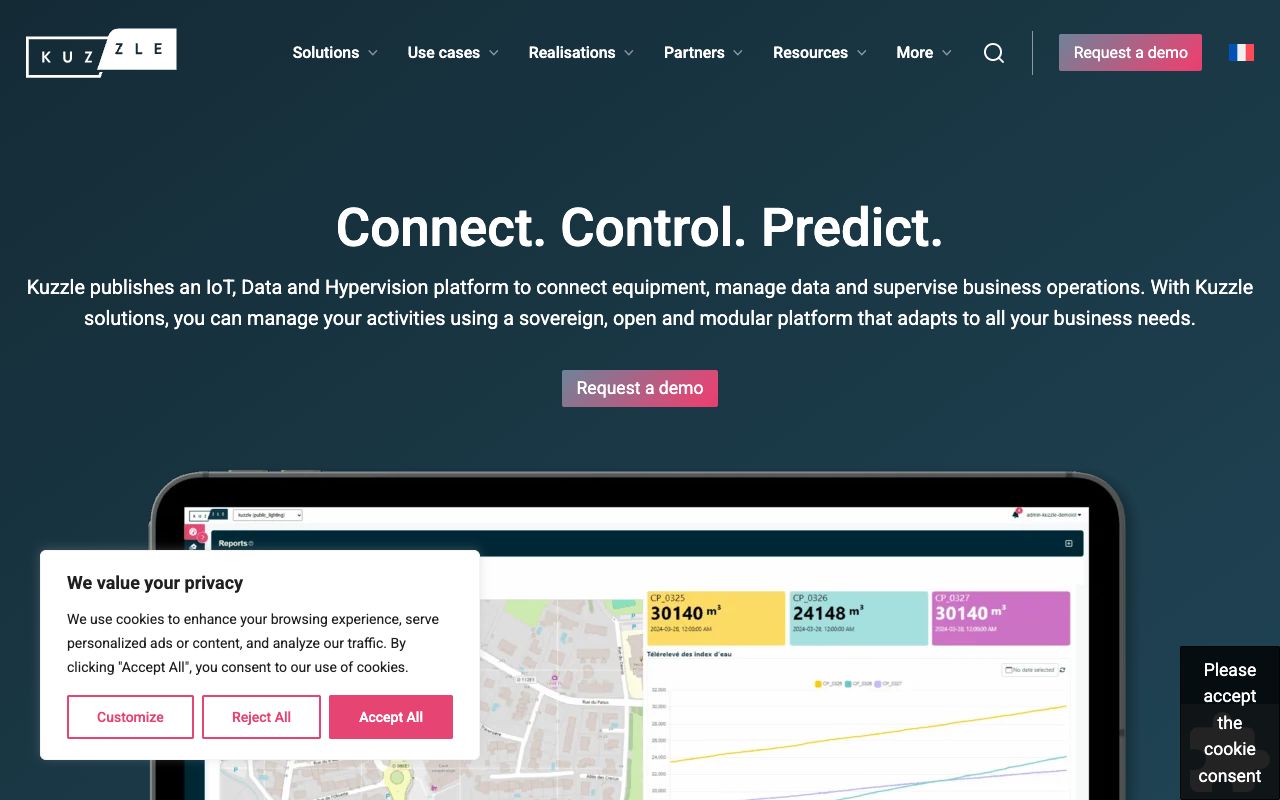
15. Kuzzle , Best for IoT & Real-Time
Screenshot of Kuzzle interface
Kuzzle is niche but powerful. It supports REST, WebSocket, and MQTT protocols out of the box, making it uniquely suited for Internet of Things (IoT) applications. It also features a powerful geofencing and geospatial query engine.
Why it beats Supabase: Multi-protocol support. If you are building an app that talks to smart devices or requires complex location-based real-time filtering, Kuzzle's engine is superior.
Best for: IoT startups and location-based services.
Pros & Cons of Leaving Supabase
General Pros & Cons of Switching
✅ Pros of Alternatives
❌ Cons & Risks
Diverse options for specific needs (AI, IoT, Mobile)
Migration costs can be high (Data egress fees)
Cost-saving potential with self-hosted binaries (PocketBase)
Self-hosting requires DevOps knowledge
Better Developer Experience for TypeScript/GraphQL users (Convex, Nhost)
Smaller communities compared to Supabase/Firebase
No vendor lock-in with open-source options
Fragmentation of tools (need separate auth/db sometimes)
Conclusion: Choosing Your Backend Strategy
The best Supabase alternative doesn't exist in isolation, it depends on your development workflow, application requirements, infrastructure preferences, and long-term scaling saas product market fit strategy. The 2026 backend landscape offers specialized solutions optimized for distinct use cases rather than one-size-fits-all platforms.
For developers embracing AI coding agents and wanting to eliminate manual backend configuration, InsForge represents the future of agent-native development. Its MCP integration and 1.7x accuracy improvement with AI agents makes it the clear choice for Cursor, Claude Code, and Windsurf users building autonomously.
Traditional full-stack developers building on PostgreSQL should evaluate Supabase (REST-first), Nhost (GraphQL-first), or Appwrite (self-hosting priority) based on API preferences and deployment requirements. All three provide production-grade infrastructure with clear upgrade paths.
Mobile developers prioritizing offline functionality and real-time sync still find Firebase unmatched despite its NoSQL constraints. The mature ecosystem and proven reliability justify the vendor lock-in for mobile-first products.
No-code builders and citizen developers accelerate development with Xano's visual logic builder or Backendless's comprehensive low-code platform. These eliminate coding entirely while remaining capable enough for production applications.
Enterprise teams committed to AWS infrastructure gain maximum value from AWS Amplify's deep service integration, while organizations requiring sovereign data control should evaluate PocketBase (simplicity), Appwrite (features), or Directus (content management) for self-hosting.
Final Comparison Matrix
Platform
Best For
Pricing Start
Self-Host?
InsForge
AI Agents
$25/mo
Yes
Firebase
Mobile Apps
Usage-based
No
PocketBase
Indie Hackers
Free (Self-Hosted)
Yes
Nhost
GraphQL
$25/mo
Yes
Appwrite
Open Source
$25/project
Yes
The common thread across successful backend selections is alignment between platform strengths and project requirements. Resist the temptation to choose based solely on popularity or feature lists, instead, map your specific technical needs, team skills, and long-term goals to platform architectures designed for those scenarios.
As AI coding agents mature throughout 2026 and edge computing becomes standard, expect the backend landscape to continue fragmenting toward specialized solutions rather than consolidating around general-purpose platforms. This specialization benefits developers by providing tools precisely suited to their workflow, but requires more thoughtful platform selection than ever before.
Start with your development approach (AI-assisted, traditional, or no-code), identify your infrastructure preference (managed, self-hosted, or hybrid), and evaluate the two or three platforms optimized for that combination. Build a proof-of-concept on your shortlisted options before committing to ensure the developer experience matches your team's workflow.
The right backend becomes nearly invisible, it accelerates feature development rather than creating friction. Choose a platform where you spend time building product features rather than fighting infrastructure complexity, and you'll ship faster while maintaining the flexibility to scale as your application grows.
Pros
•Diverse options for specific needs (AI, IoT, Mobile)
•Cost-saving potential with self-hosted binaries (PocketBase)
•Better Developer Experience for TypeScript/GraphQL users (Convex, Nhost)
•No vendor lock-in with open-source options
Cons
•Migration costs can be high (Data egress fees)
•Self-hosting requires DevOps knowledge
•Smaller communities compared to Supabase/Firebase
•Fragmentation of tools (need separate auth/db sometimes)
Pro Tip
If using PocketBase, pair it with a cheap VPS like Hetzner ($5/mo) for an incredibly cheap production stack.
For AI apps, use InsForge to let your coding agent handle the schema migration—it saves hours of context switching.
Always calculate 'Egress' costs before choosing Firebase; they are the hidden killer for scaling apps.
Frequently Asked Questions
What is the best free Supabase alternative?
PocketBase is the best free alternative if you are willing to self-host. It has no artificial limits. For managed services, Firebase's Spark plan is generous but has hard limits.
Can I migrate from Supabase to these alternatives?
Yes. Migrating to Nhost or InsForge is easiest because they also use PostgreSQL, so your schema can often be transferred directly. Migrating to NoSQL (Firebase) requires a rewrite.
Which alternative is best for AI agents?
InsForge is currently the best option for AI agents like Cursor and Claude Code due to its native MCP integration, which allows the AI to configure the backend autonomously.
Is Firebase cheaper than Supabase?
For small apps, yes. However, Firebase becomes significantly more expensive at scale due to read/write charges and egress fees. Supabase's pricing is generally more predictable for data-heavy apps.
What is the best open-source backend?
Appwrite and Supabase are the two market leaders. Appwrite is easier to self-host with Docker, while Supabase offers a more powerful SQL experience.
Arielle Phoenix
Founder
At LaunchRocket I help founders get their first 100 customers. At Metronyx AI I help brands scale their organic SEO and AEO.
Join the Newsletter
Get growth tactics and launch strategies delivered to your inbox for builders like you.